How to Trade Single Options

Once you have learned how to execute trades and are eligible for options trading, it is now time for you to learn how to perform options trades.
The Webull App that allows our users to execute options trades with 0 platform fees applied, while having the flexibility to long or short the market. This lesson will show you how to execute single options trade on the Webull App.
Step 1: Go to a Stock’s Details Page
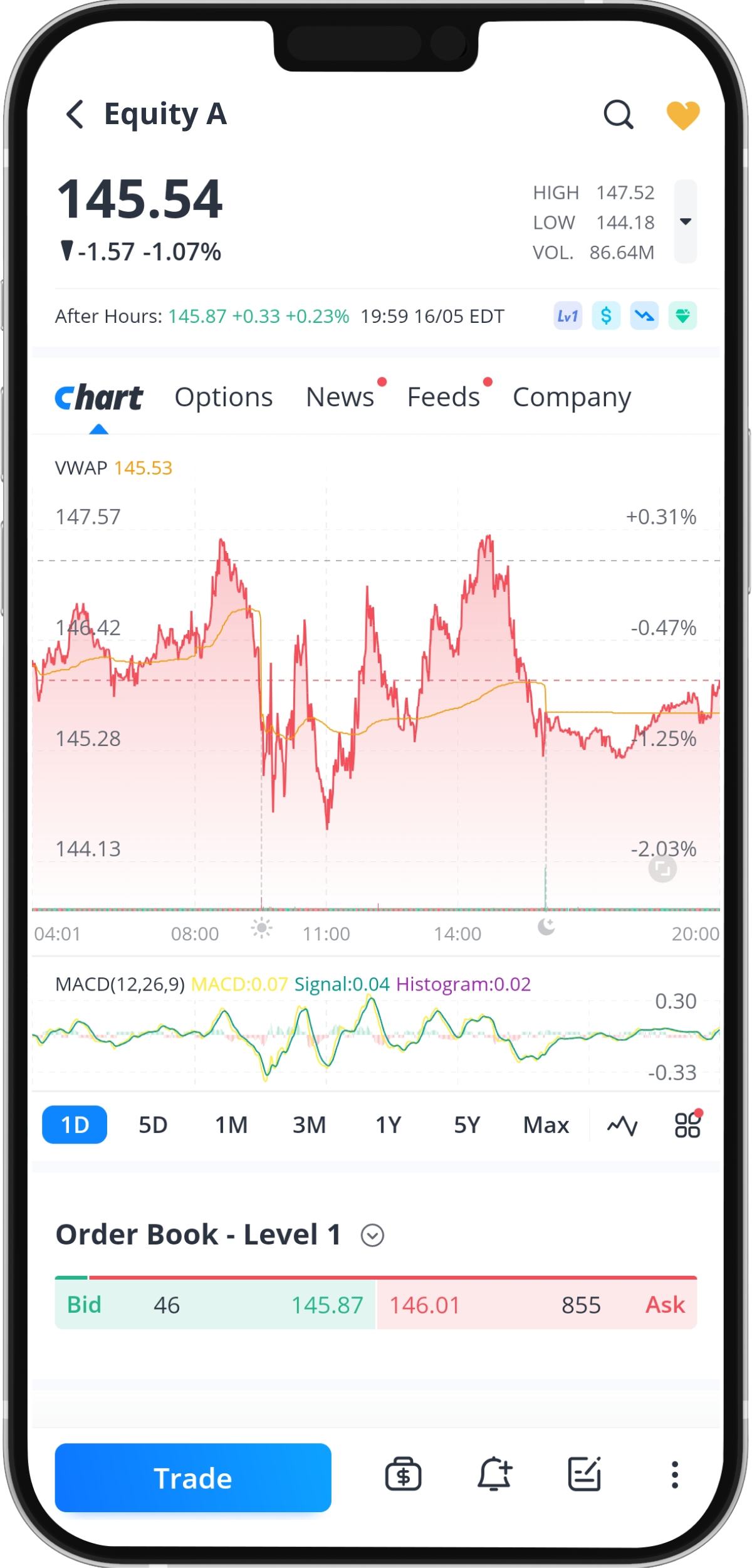
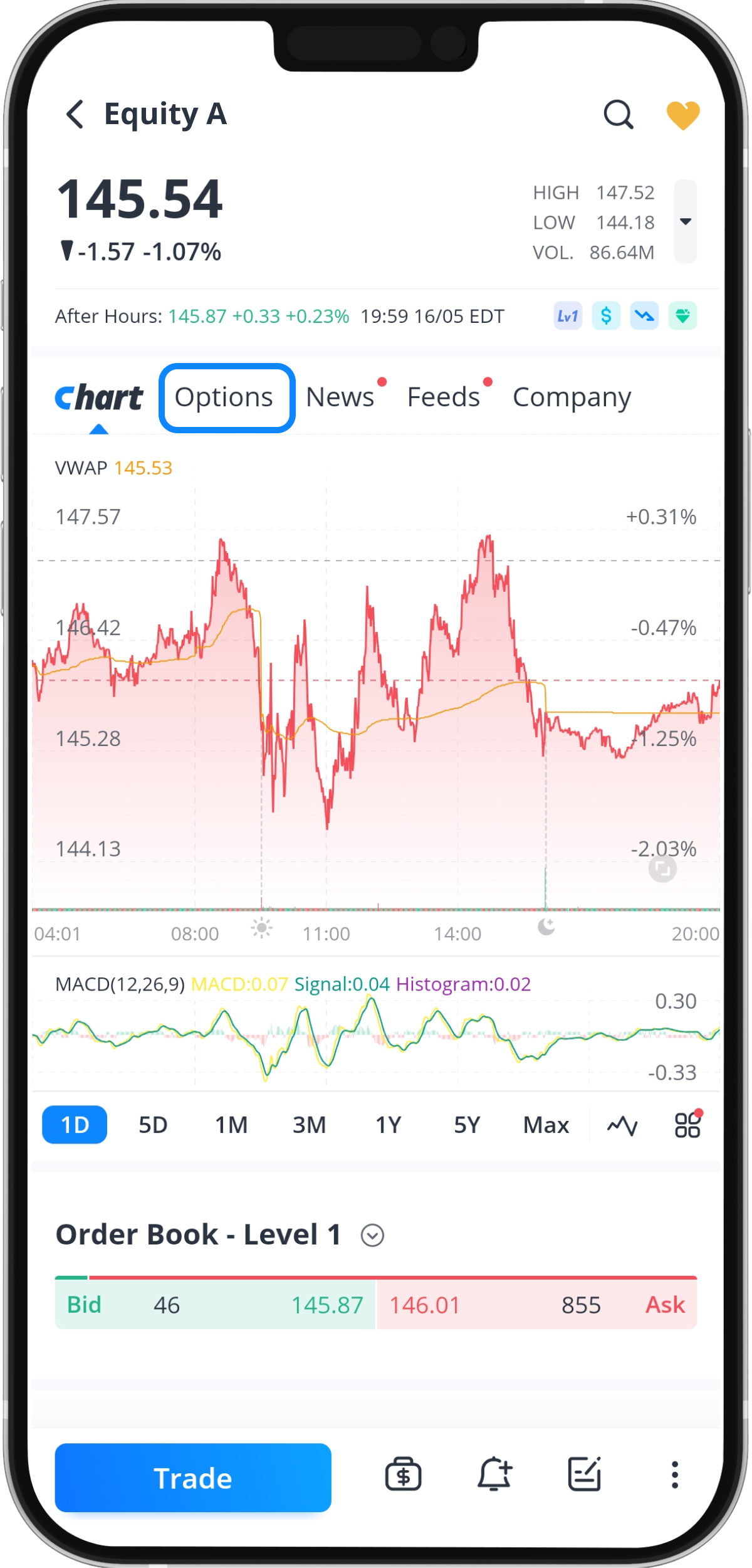
Step 2: Tap “Options”
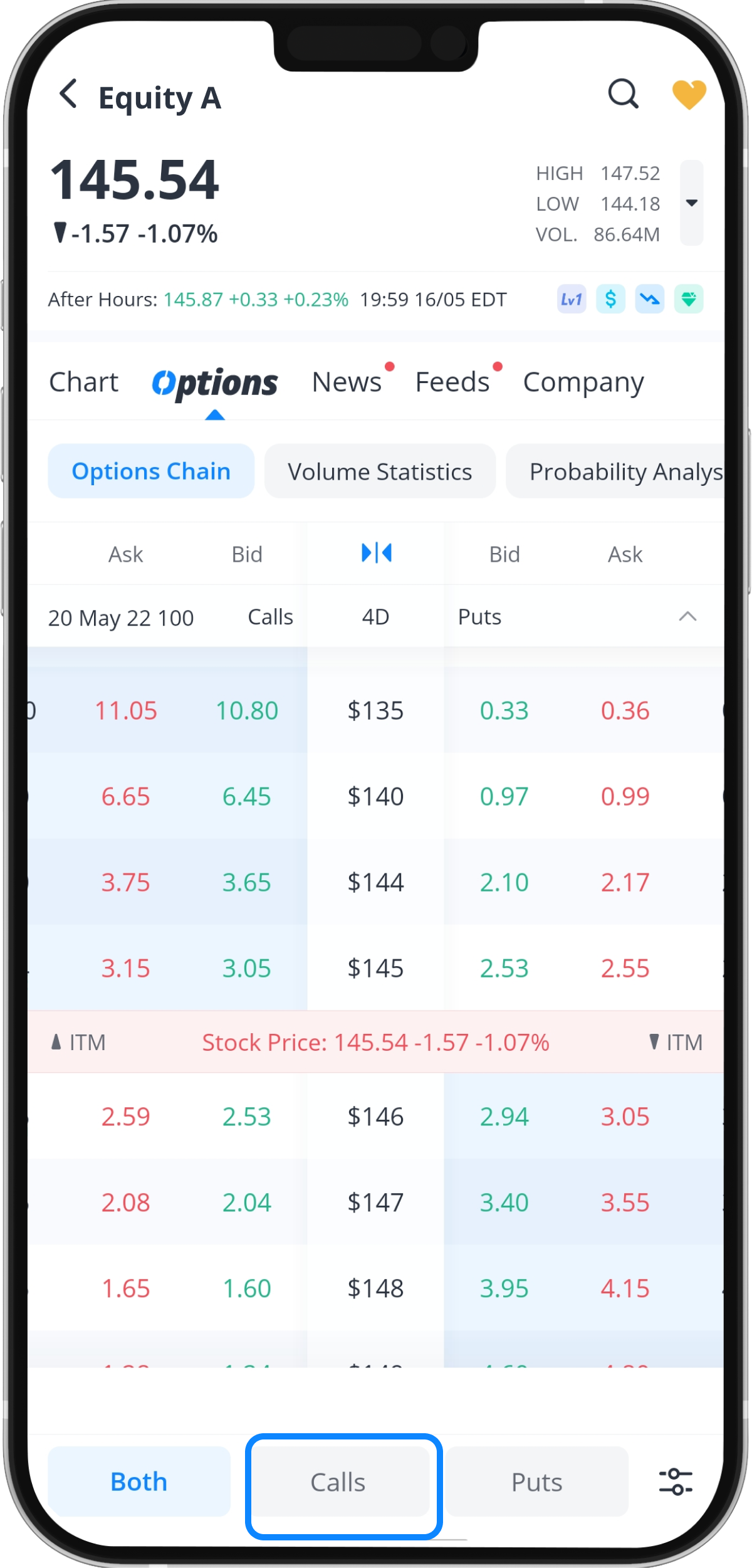
Step 3: Select Options Position
Webull supports 'Long Call' and 'Long Put' orders for both cash and margin accounts. Additionally, Webull’s margin accounts allow short selling of Options positions only for the purpose of:
1) Cash-Secured Puts
2) Covered Calls
3) Covered Puts
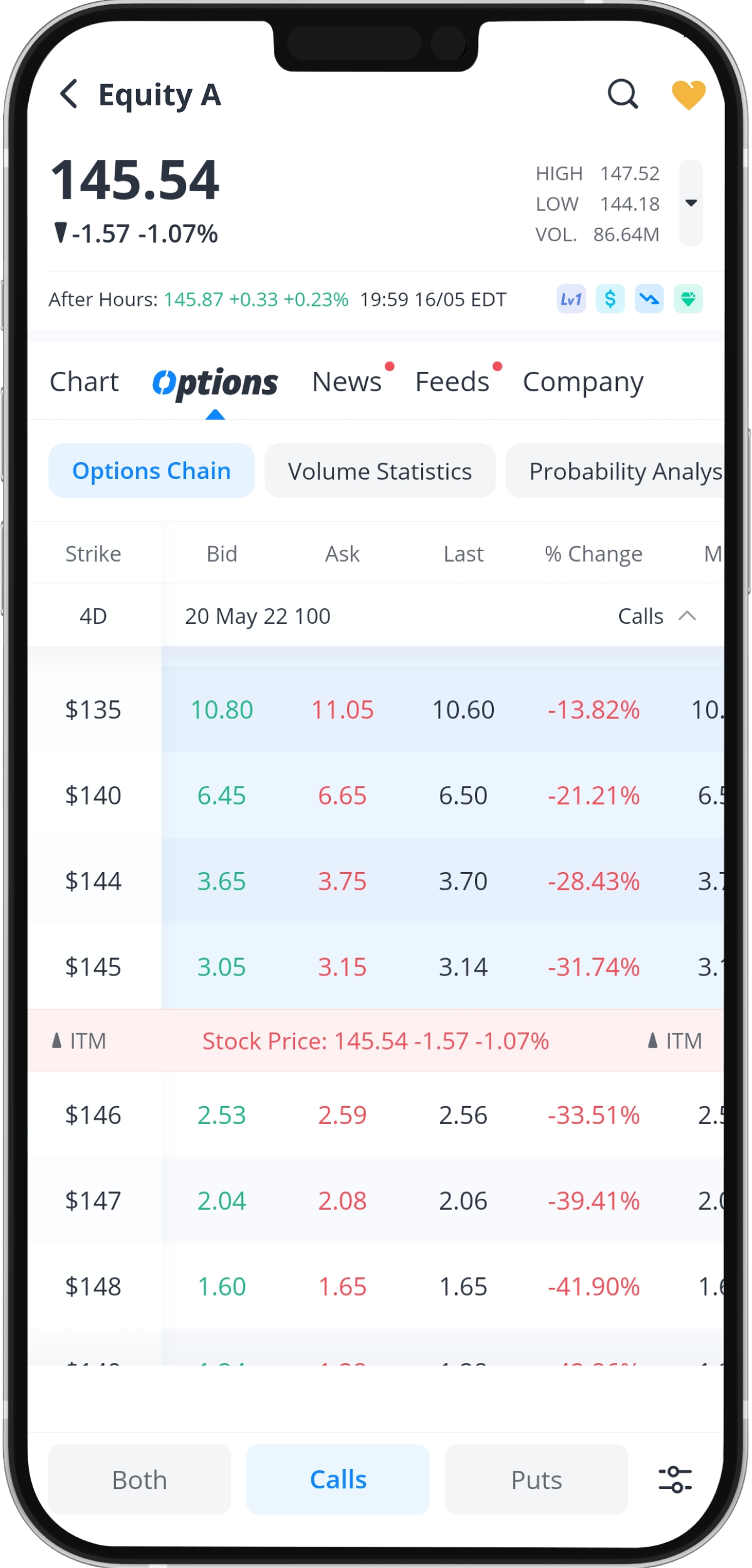
Step 4: Select a Contract
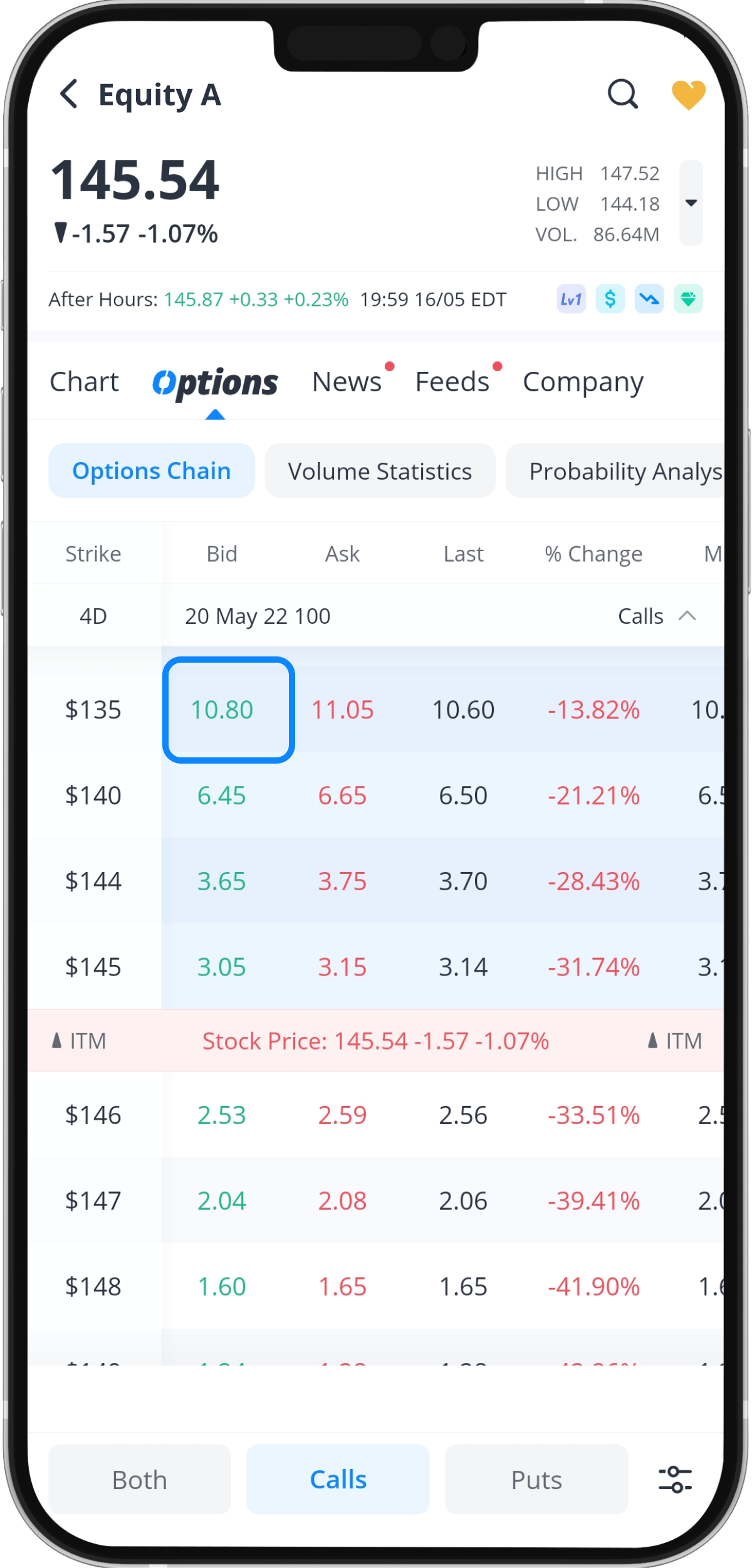
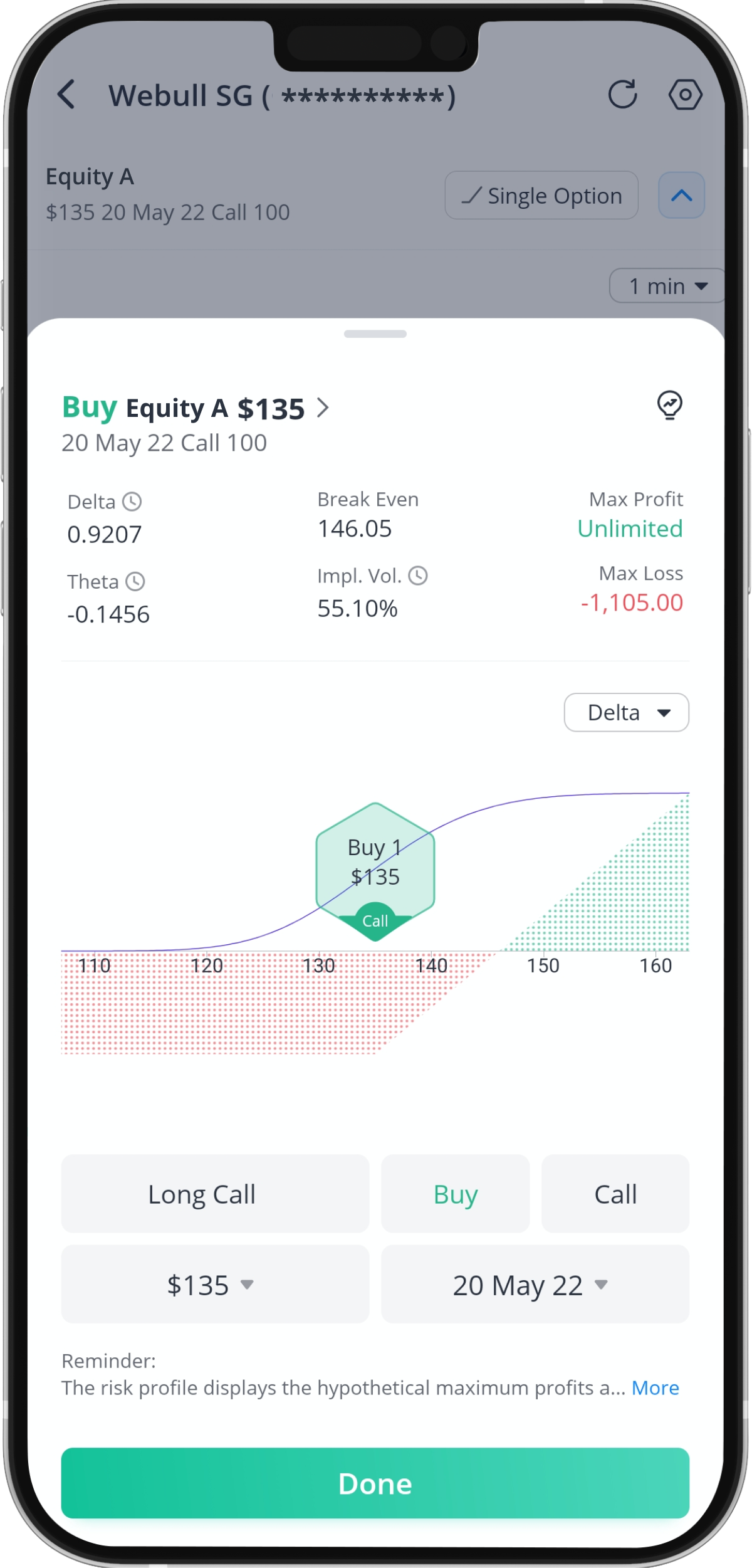
Step 5: Edit the Contract
Tap “Single Option” to edit your options contract.
You can choose between two types of long options: a long call or a long put.
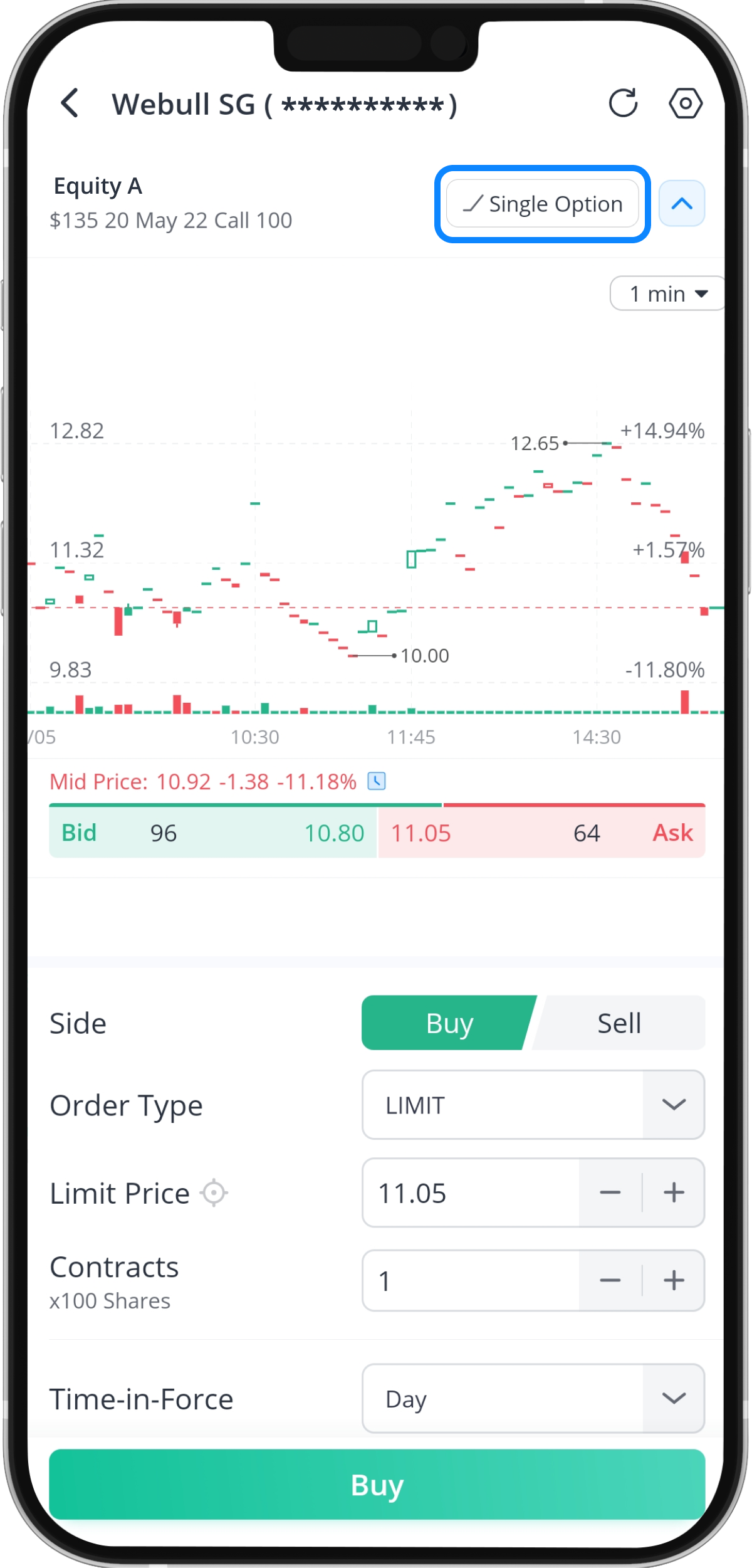
Step 6: Edit Your Options Order
Tap “Buy” or “Sell” if you want to purchase or sell the options contract.
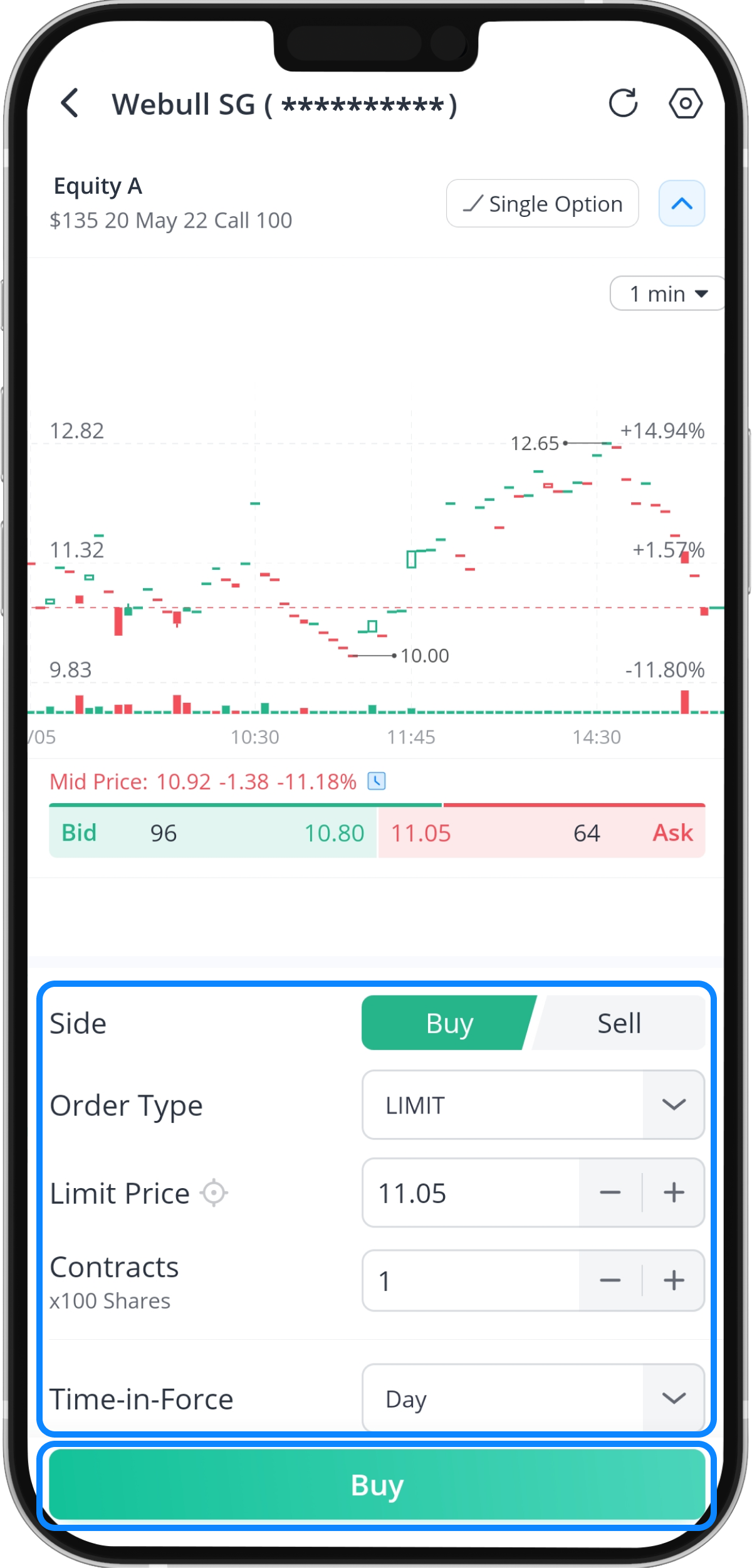
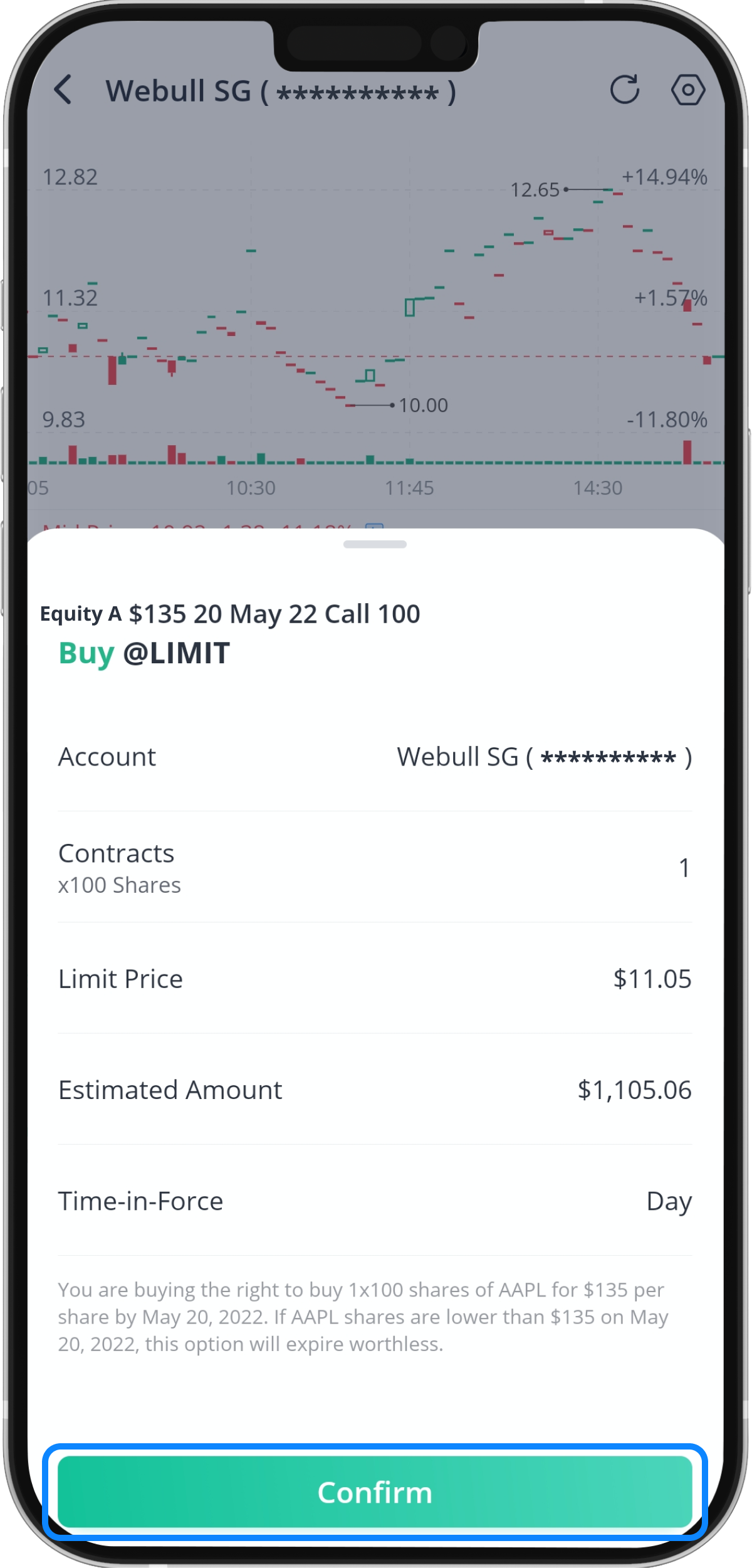
Step 7: Tap “Confirm” to Submit Your Order
Note: Webull supports 'Long Call' and 'Long Put' orders for both cash and margin accounts. Additionally, Webull’s margin accounts allow short selling of Options positions only for the purpose of:
1) Cash-Secured Puts
2) Covered Calls
3) Covered Puts