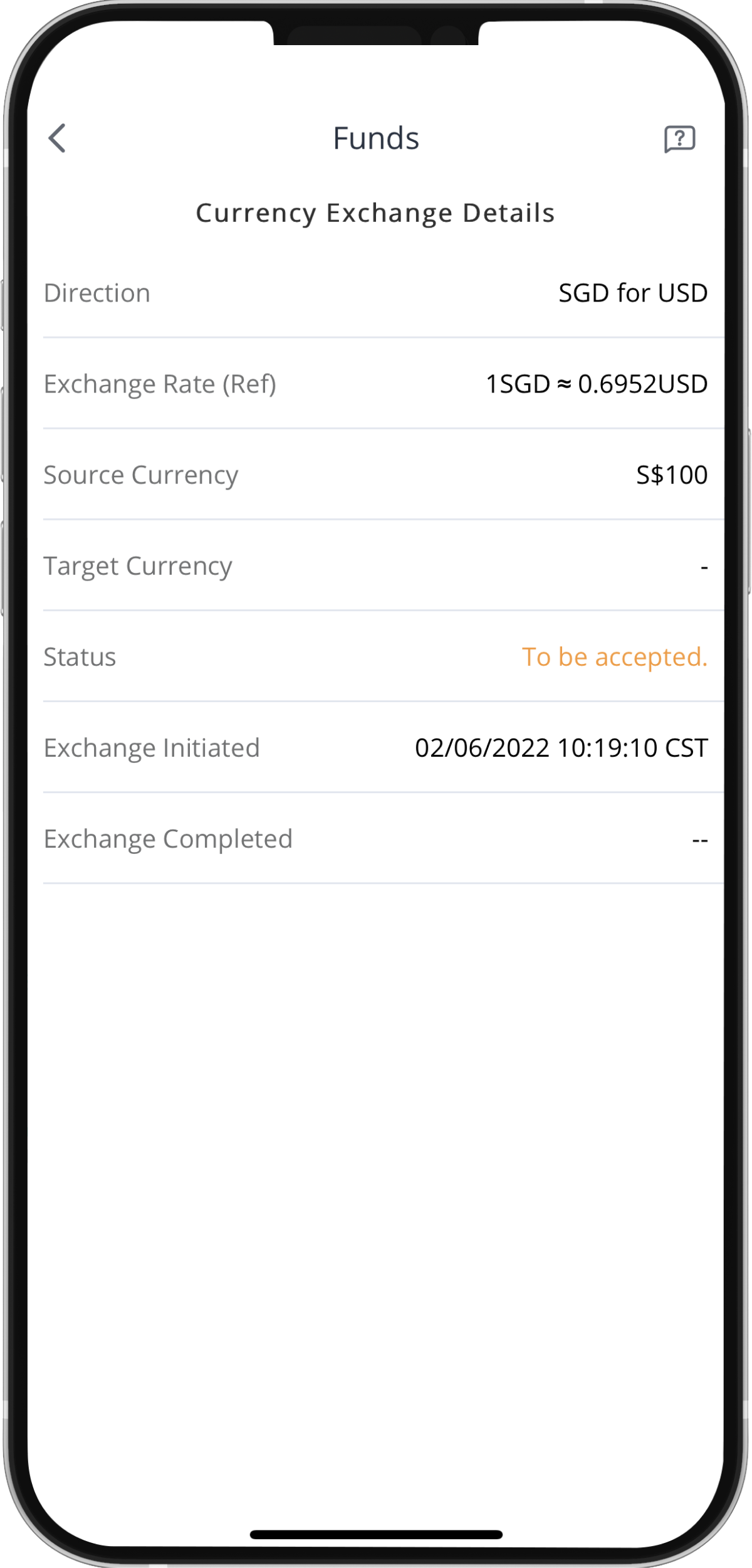
How to Exchange Currency

After depositing funds into your Webull brokerage account, you may exchange the cash into different currencies and invest in the complementary markets. It is crucial to note that overseas markets such as the US or HK, must be settled and invested in their domestic currencies.
Find out more about how to exchange your currency on the Webull App here .
Step 1: Tap the Webull logo at the bottom of the screen
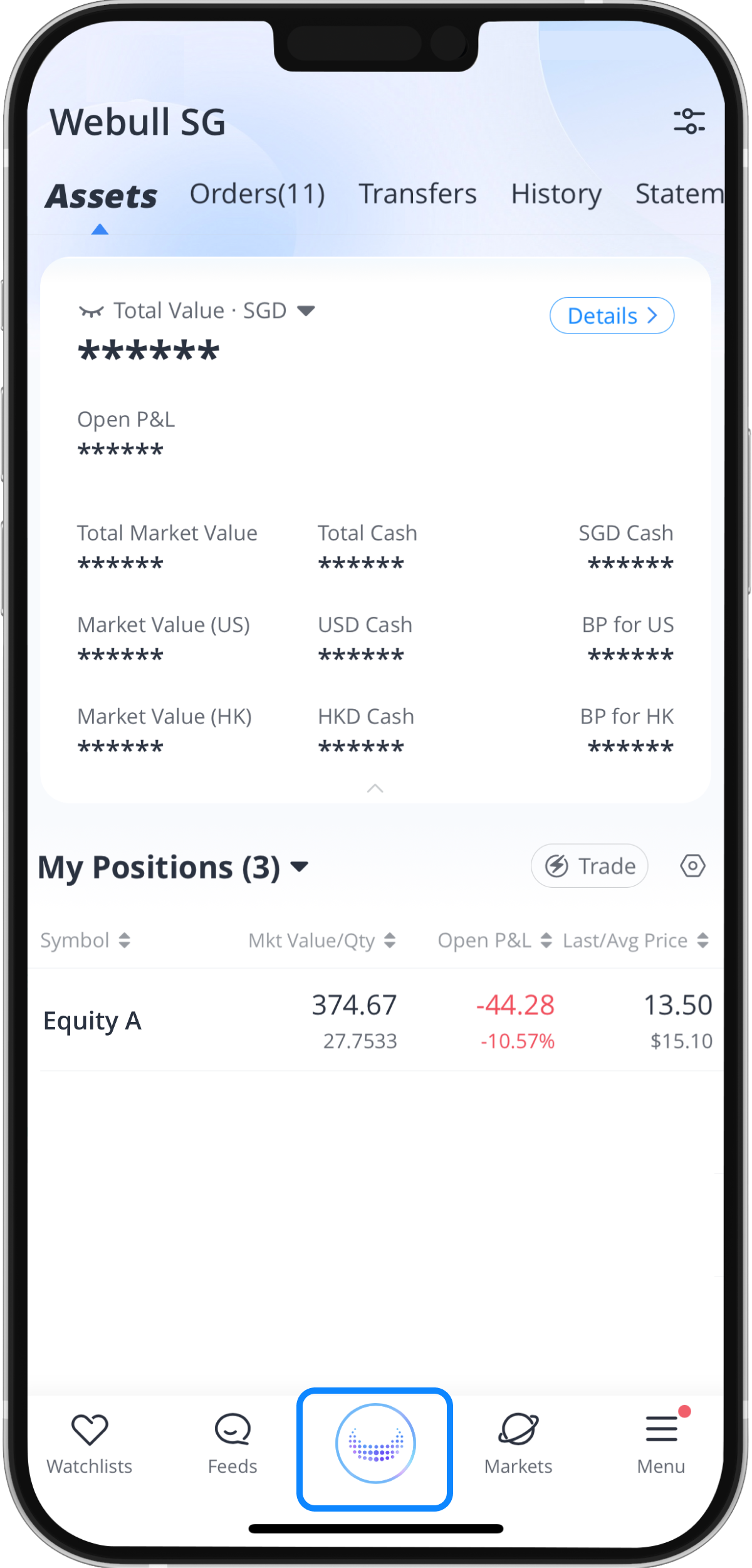
Step 2: Tap “Transfers” at the top of the screen
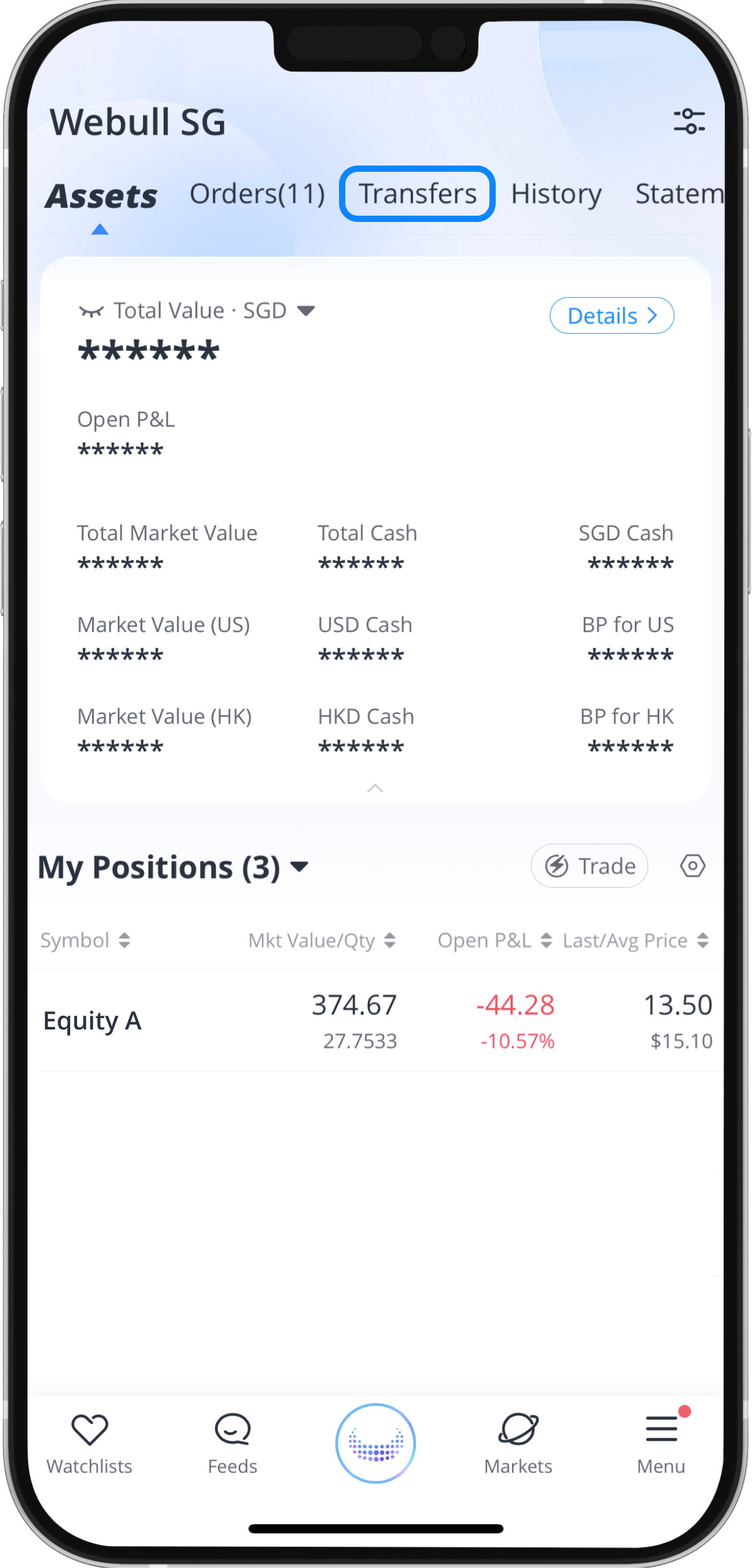
Step 3: Tap “Currency Exchange”
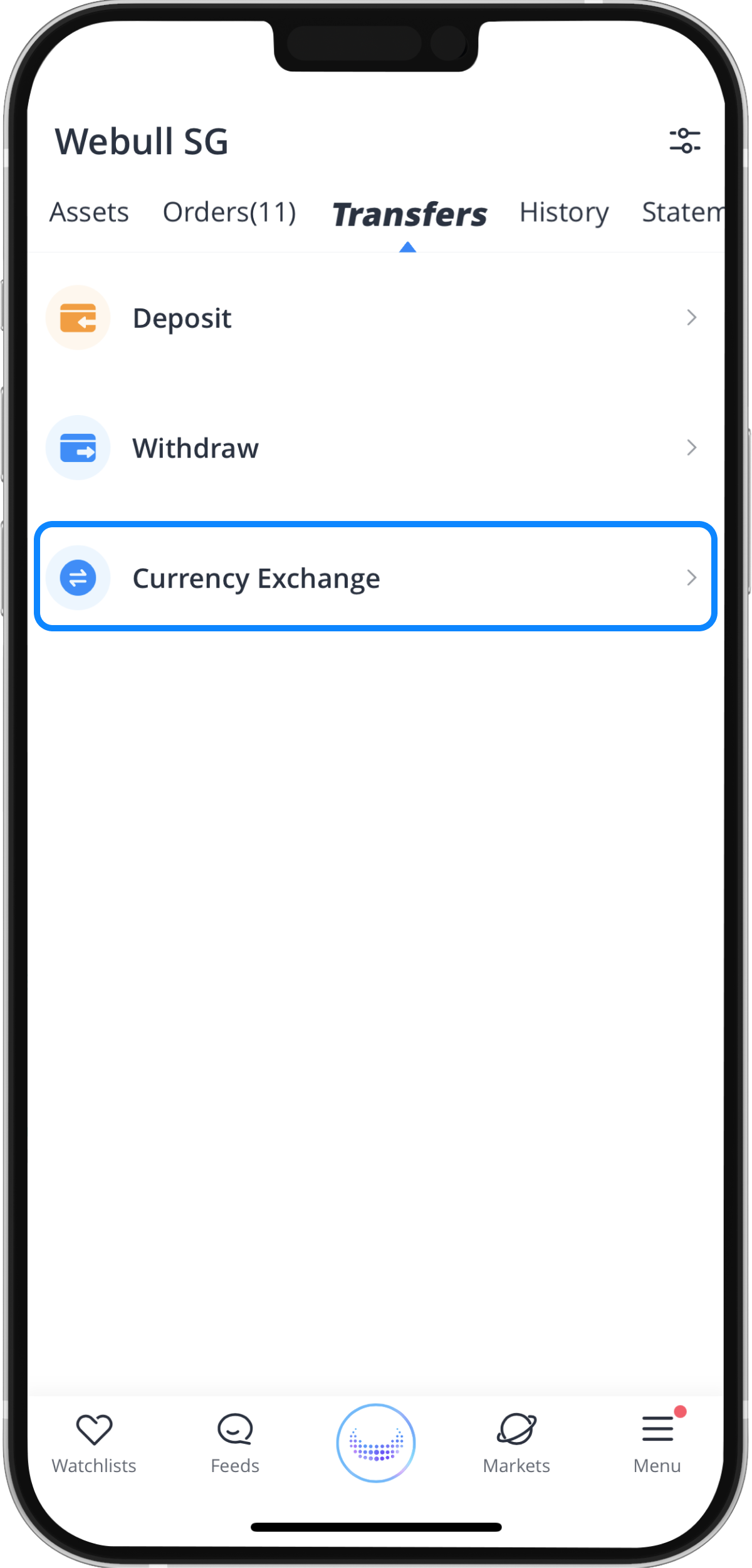
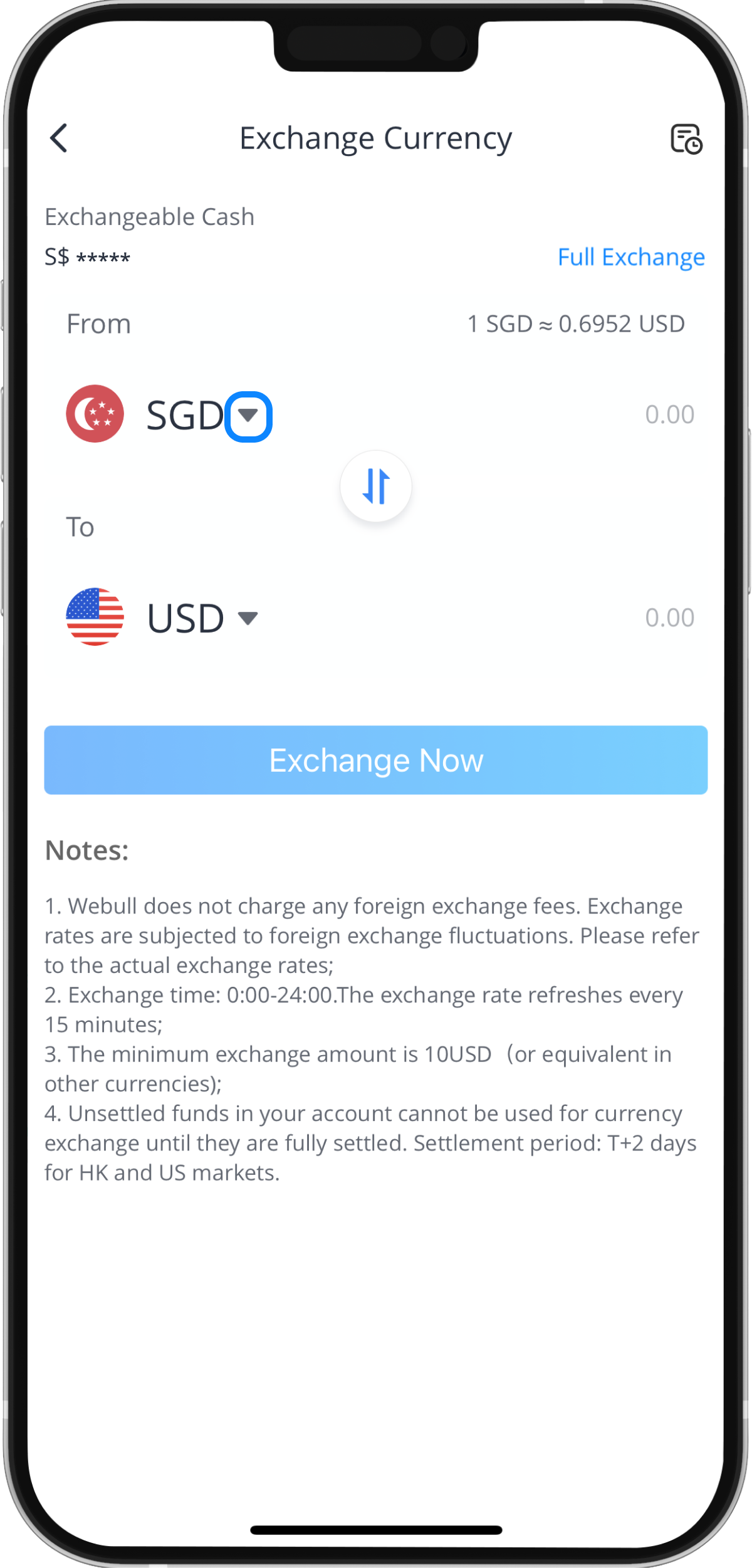
Step 4: Select the currency
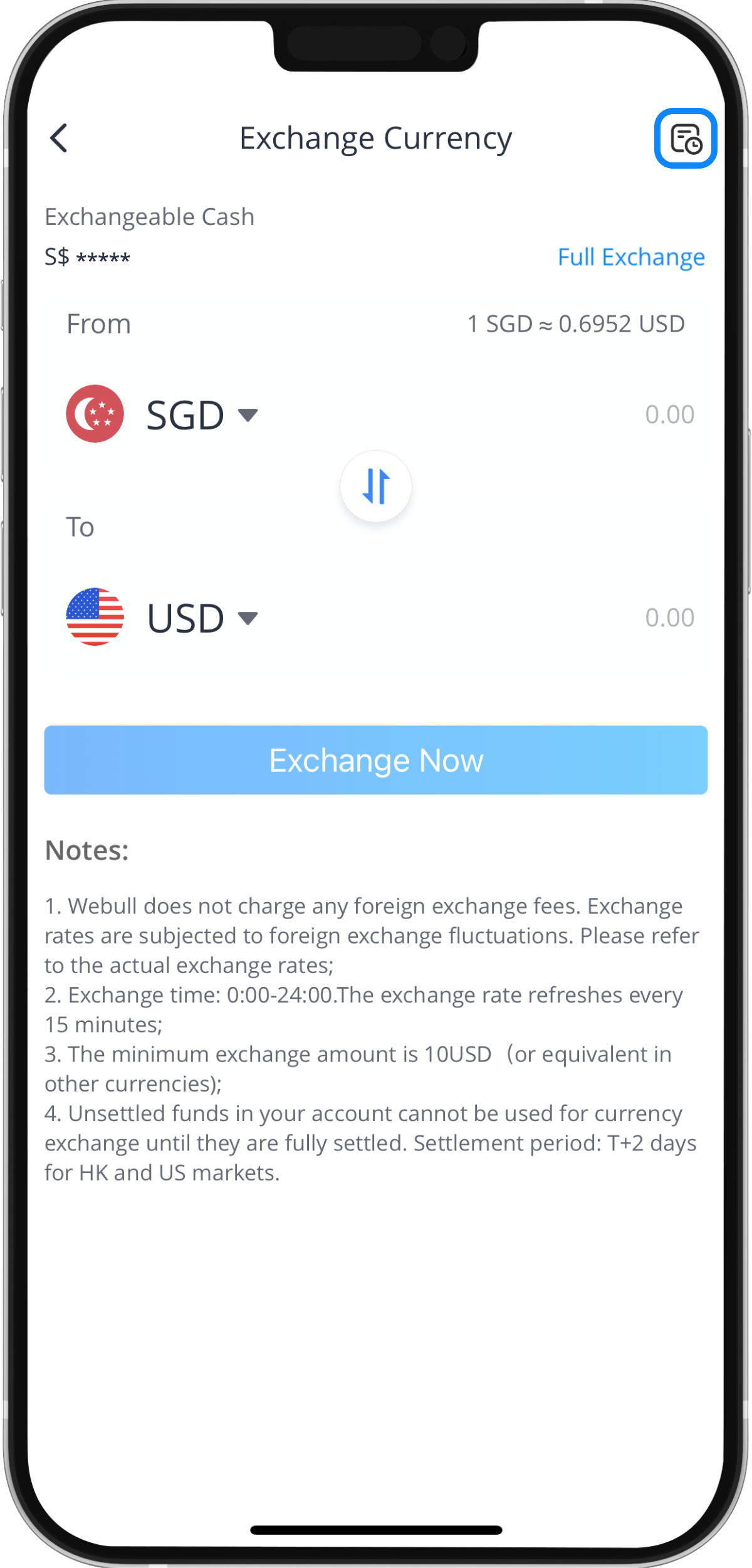
You can find the available exchange currencies by tapping on the arrows within the blue box shown below. Additionally, you can view your currency exchange record page by tapping on the icon in the top right-hand corner.
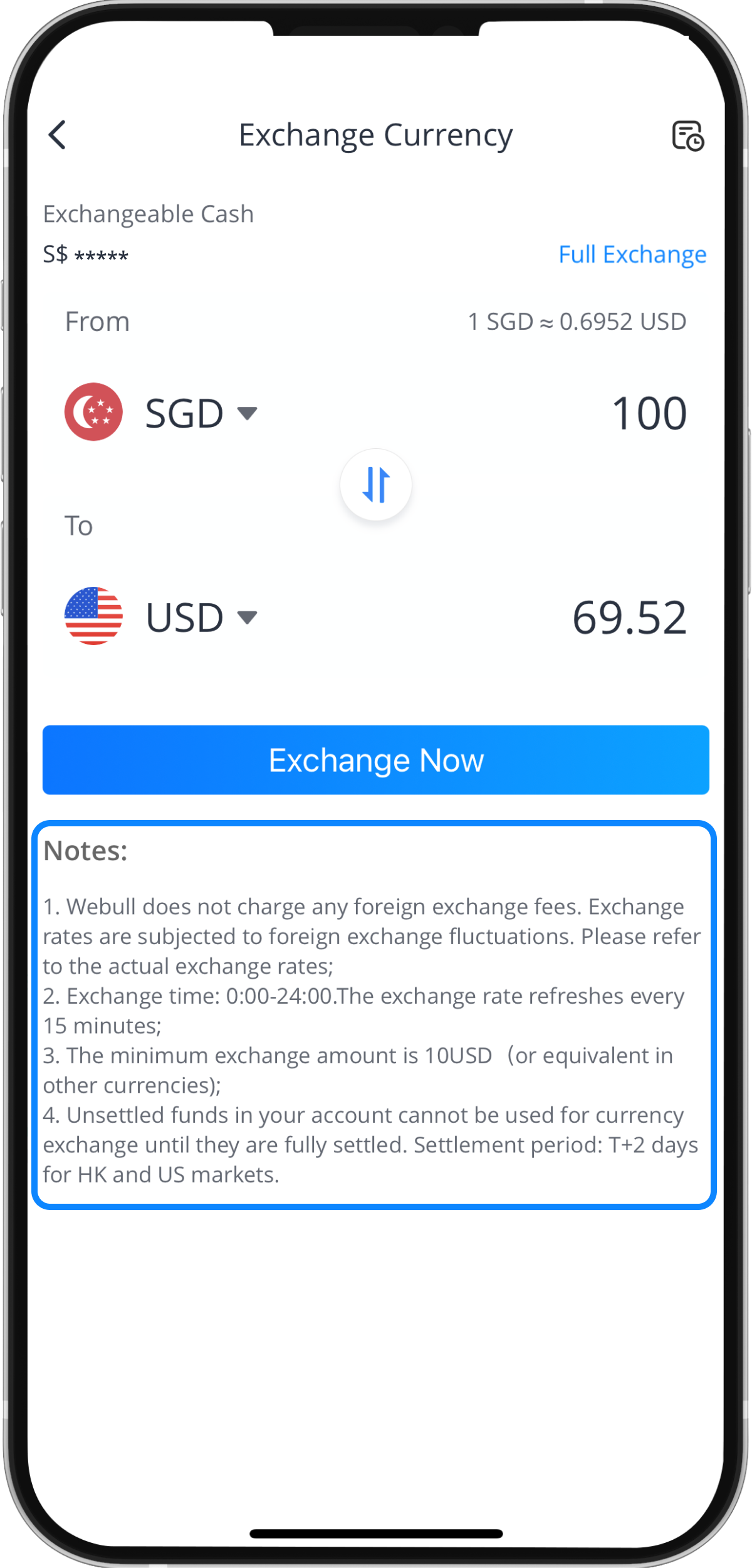
Step 5: Enter the amount you’d like to exchange
Please read the notes carefully at the bottom before exchanging your chosen currency.
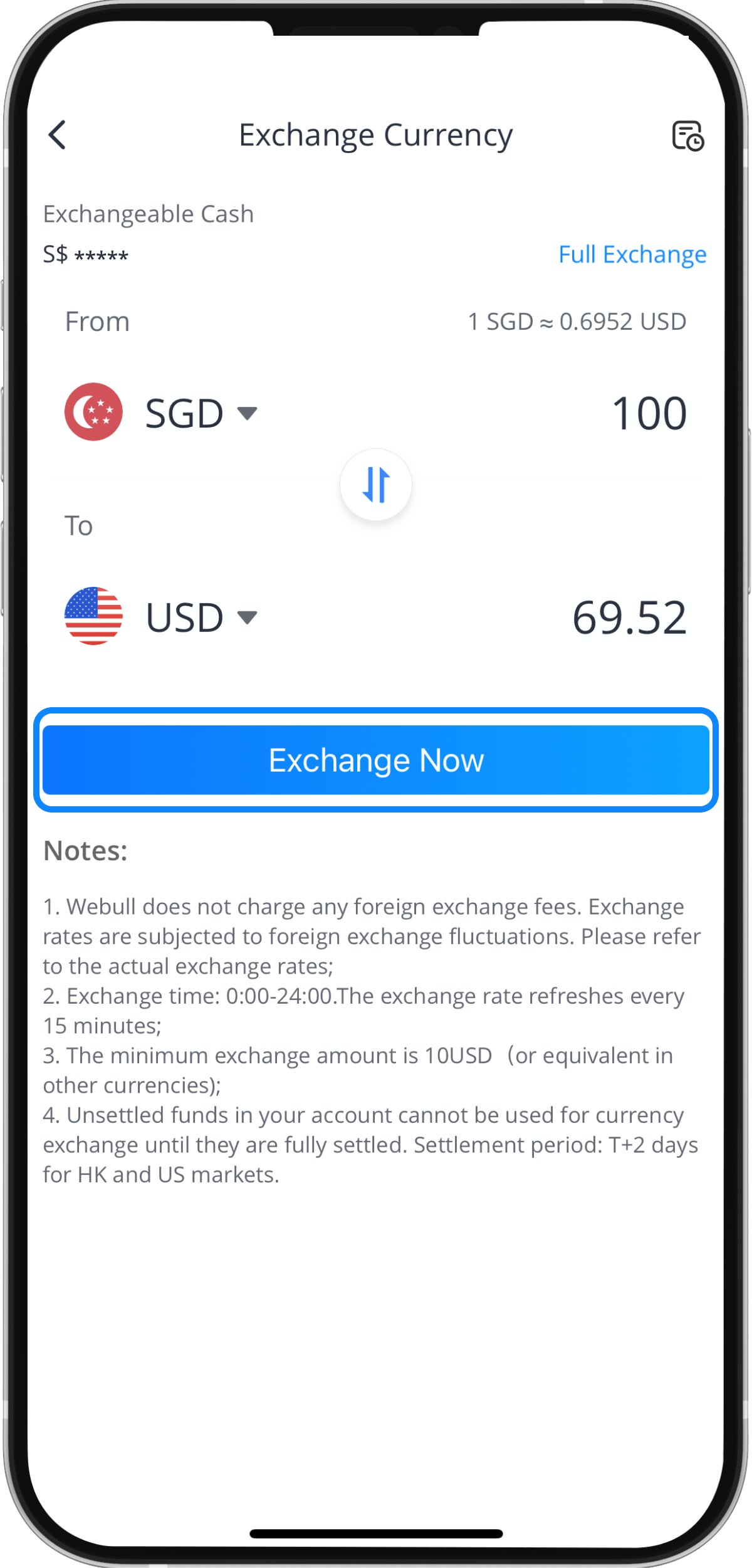
Step 6: Tap “Exchange Now”
Step 7: Tap “Confirm”
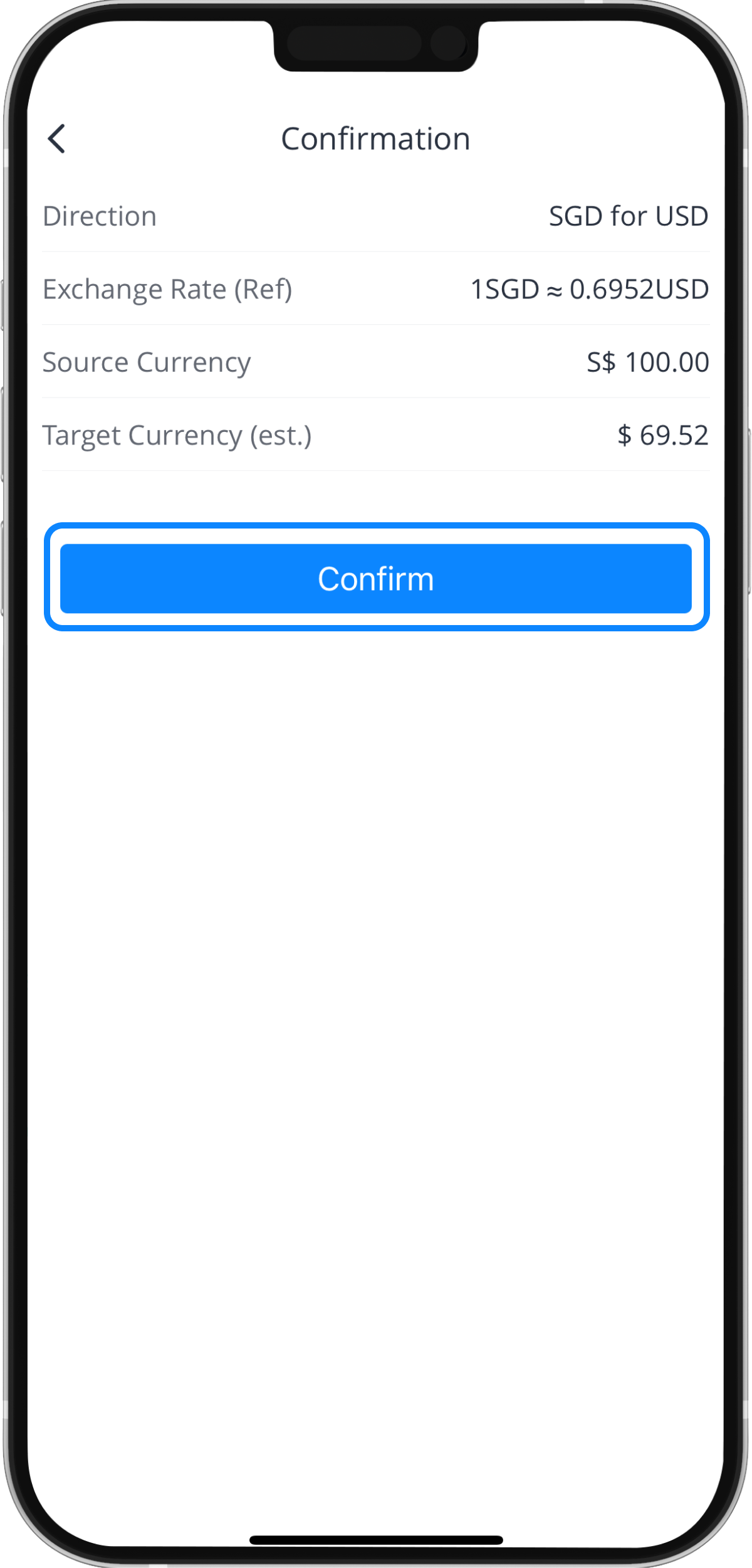
Step 8: Currency Exchange Transaction Review