How to Apply for Options Trading

The journey to becoming a successful options trader is similar to the journey other traders take to becoming a successful stock trader. They both require time, effort and devotion. Time spent on understanding the stock market and developing a suitable options strategy goes a long way. The options trader must be confident with his strategy, understand the purpose of entering into a trade, and continually learn from past mistakes.
However, before you can trade options on the Webull App, you must first apply and be eligible for options trading. Find out more about options on the Webull App here.
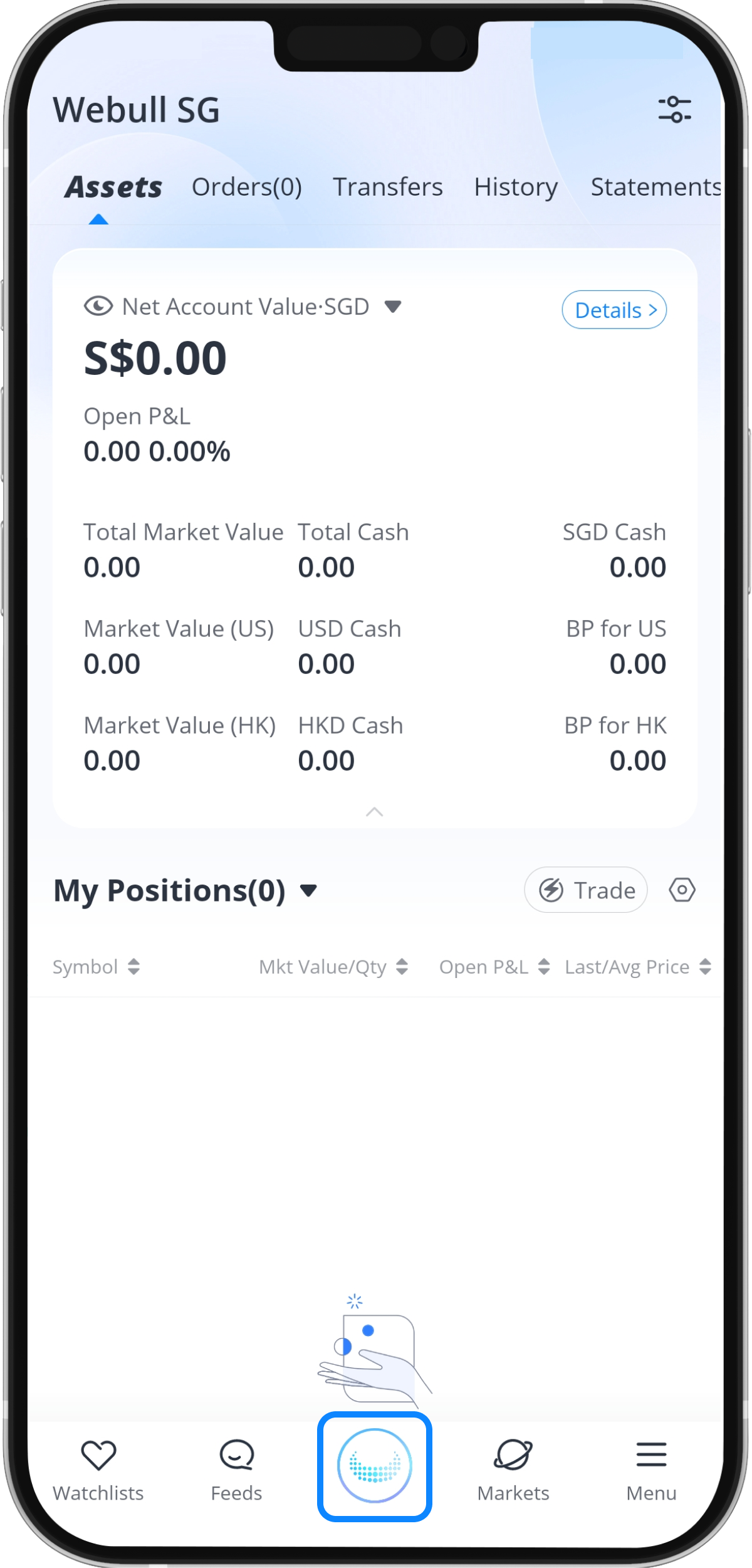
Step 1: Tap the Webull logo at the bottom of the screen
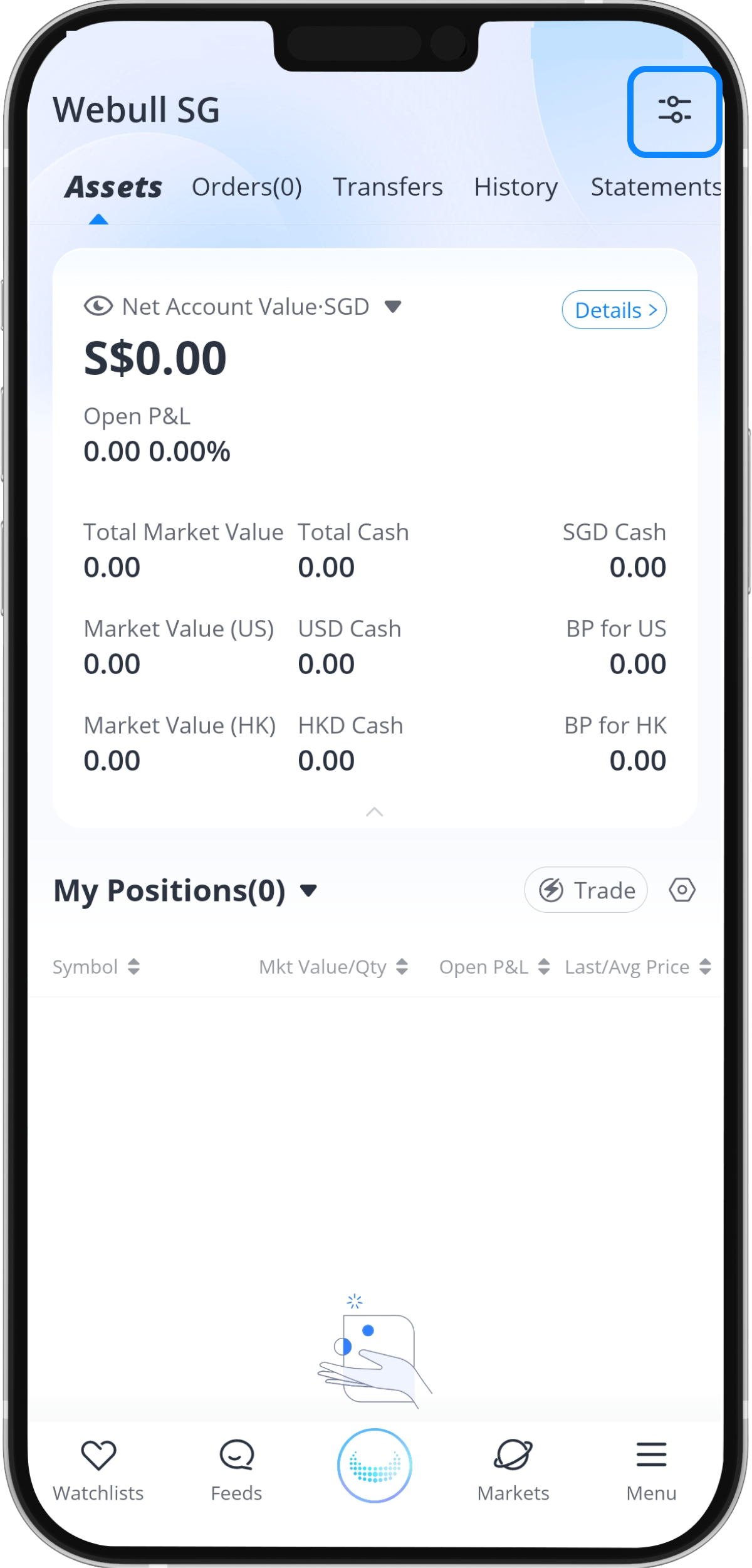
Step 2: Tap the “Settings” icon at the top right of the screen
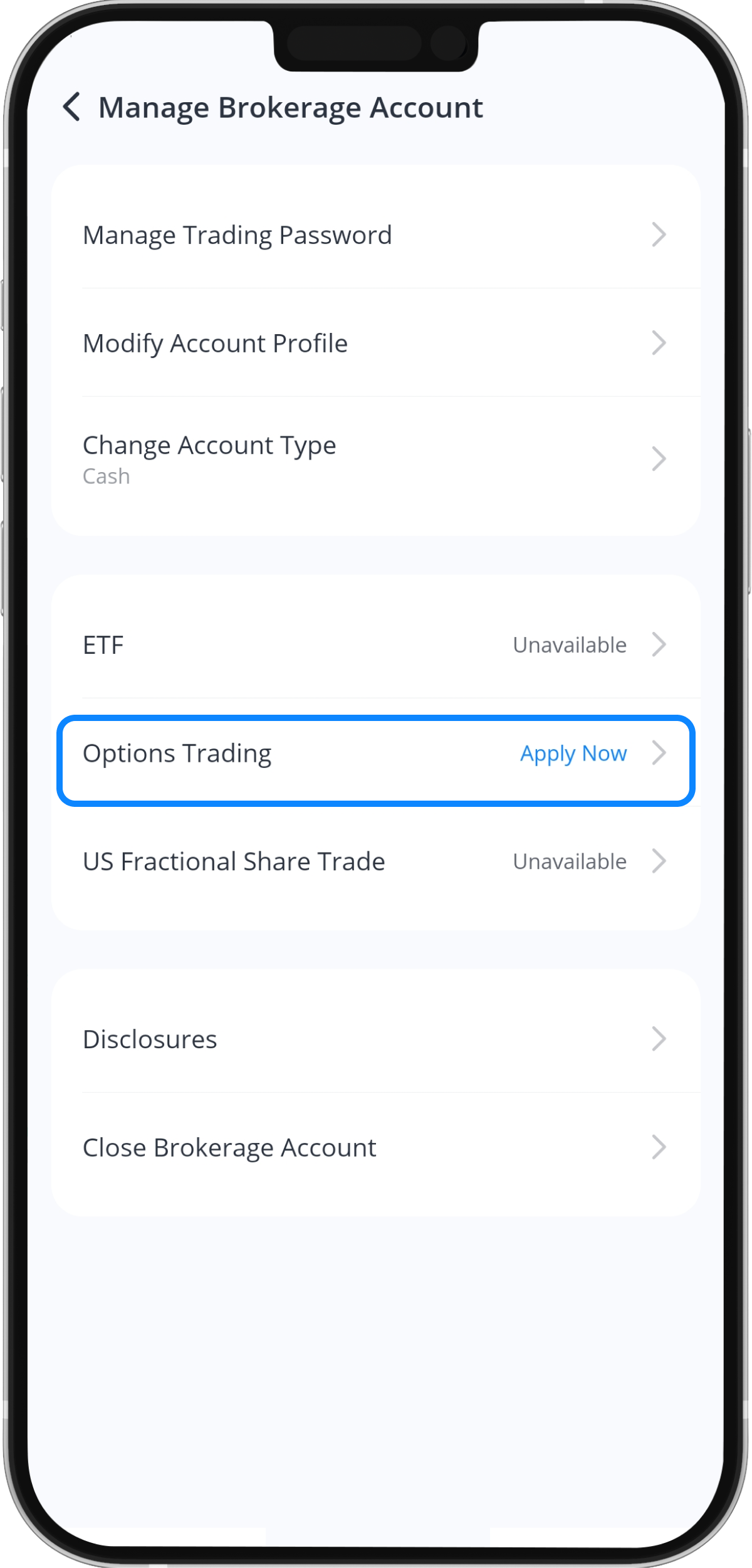
Step 3: Tap “Options Trading”
Step 4: Tap “Open Options Trading”
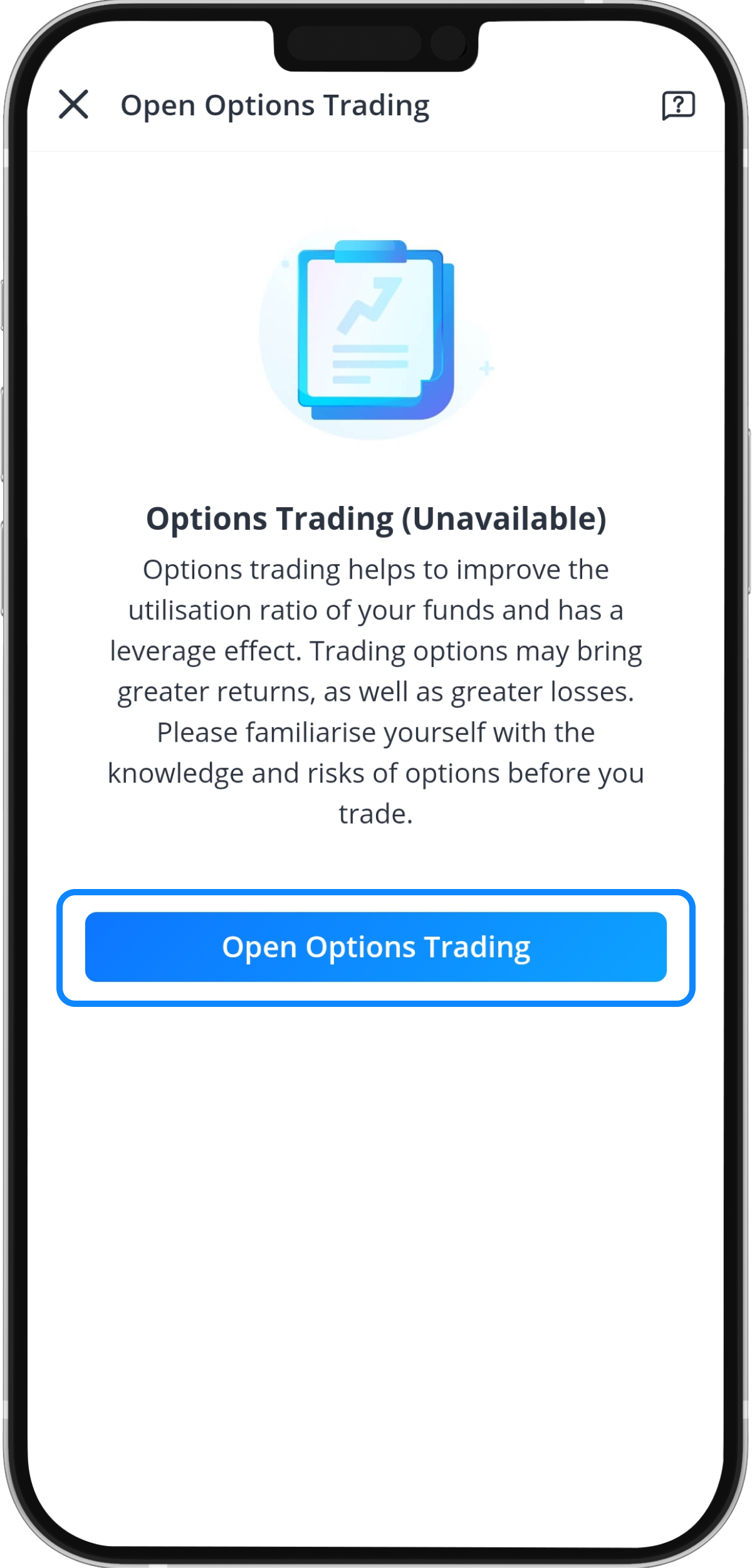
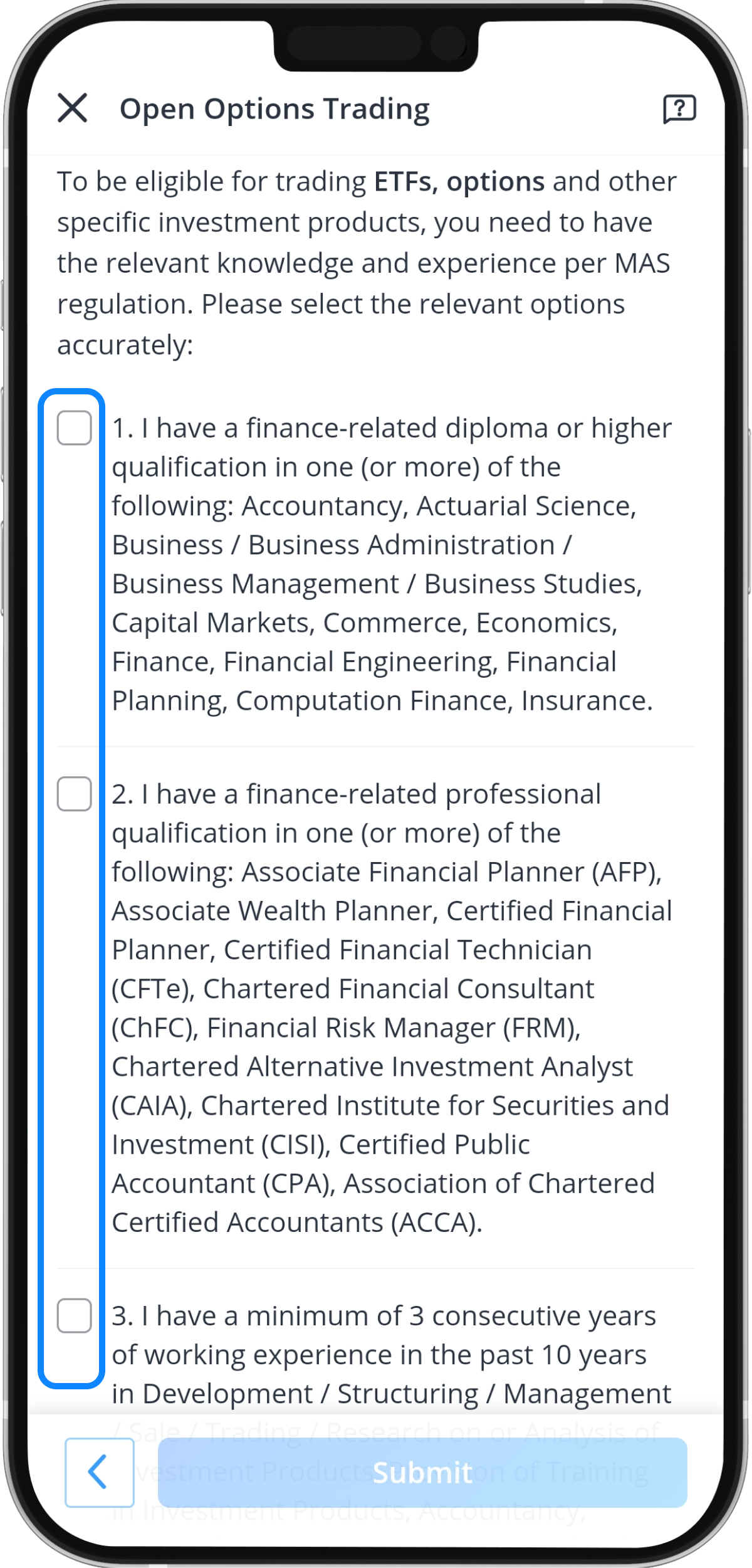
Step 5: Complete Customer Account Review (CAR)
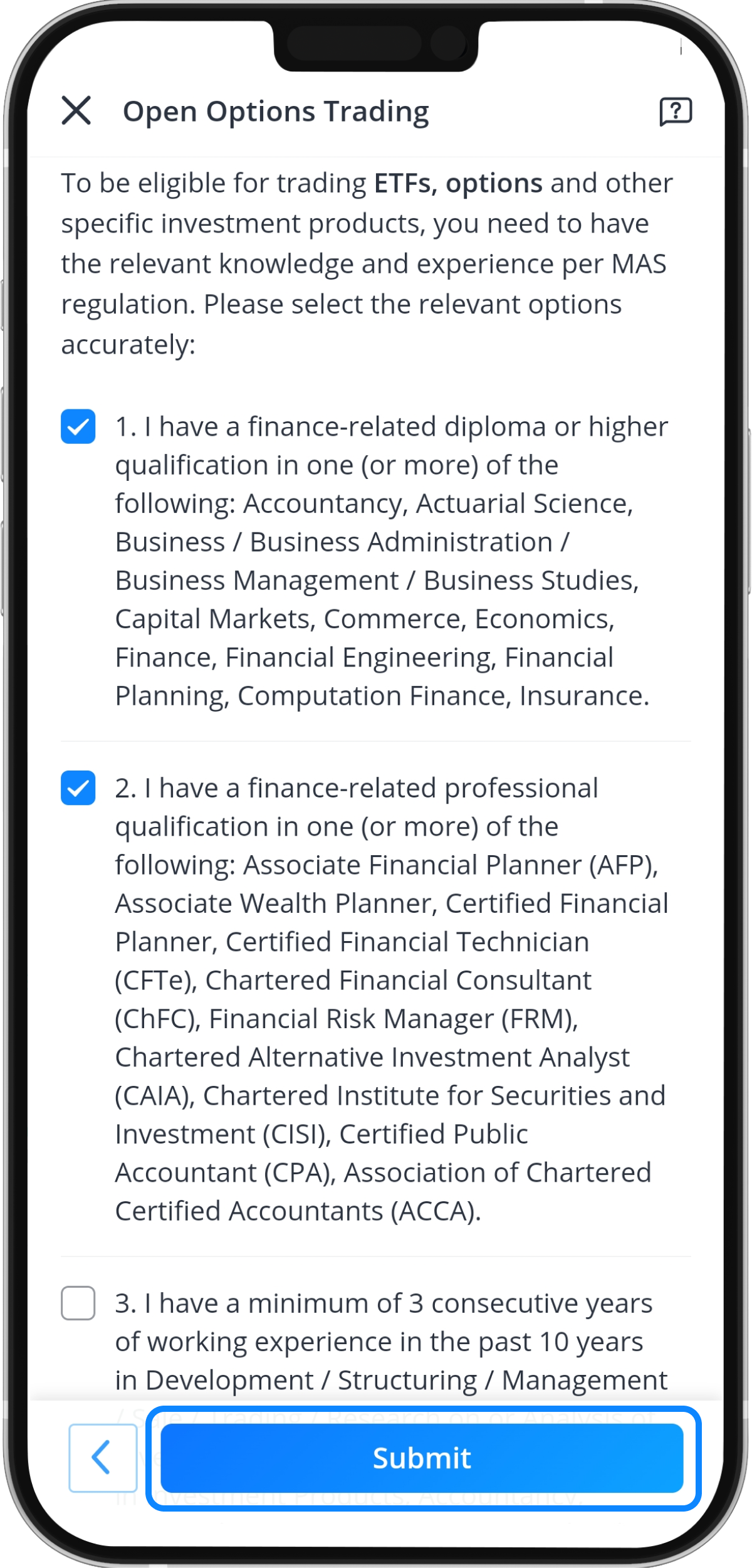
You will be requested to complete a Customer Account Review (CAR) per Monetary Authority of Singapore (MAS) regulation to trade options if you have not done so during the Account Opening Process. This is to assess that you possess the relevant knowledge and experience to be eligible to trade Options and other Specified Investment Products (SIPs).
Step 6: Tap “Submit”
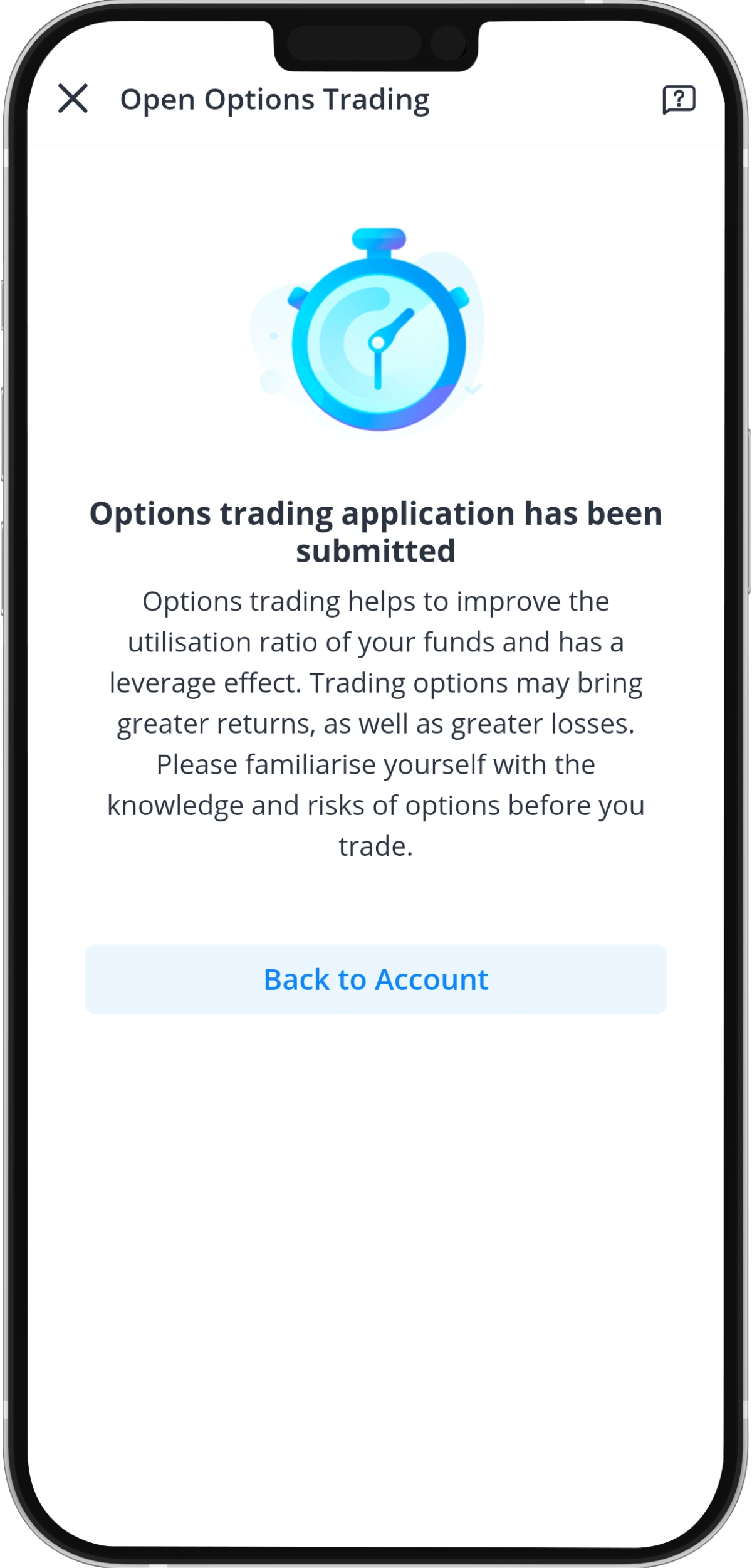
Step 7: Options trading application review
Your options trading application has been submitted, and the application is subjected to approval.