How to Place a Paper Trade

Before investing real money in the stock market, having a basic understanding of the complexities of the stock market is recommended.
Webull’s paper trading feature allows new investors who wish to learn and understand what it is like to execute trades with virtual funds before investing with their real funds. In other words, paper trading can be seen as a trial version of actual trading as you can practise and familiarise yourself with the Webull App in a safe space.
Things to note:
- Paper trades will be executed based on the last price in real-time quotes instead of the bid and ask quotes.
- Orders are executed when the price matches, regardless of volume.
- For a buy order, it will be filled at your limit price or lower when the last price is lower than your limit price.
- For a sell order, it will be filled at your limit price or higher when the last price is higher than your limit price.
- Only market orders and limit orders are available for paper trading.
- Only stock trading is available for paper trading.
Get Started
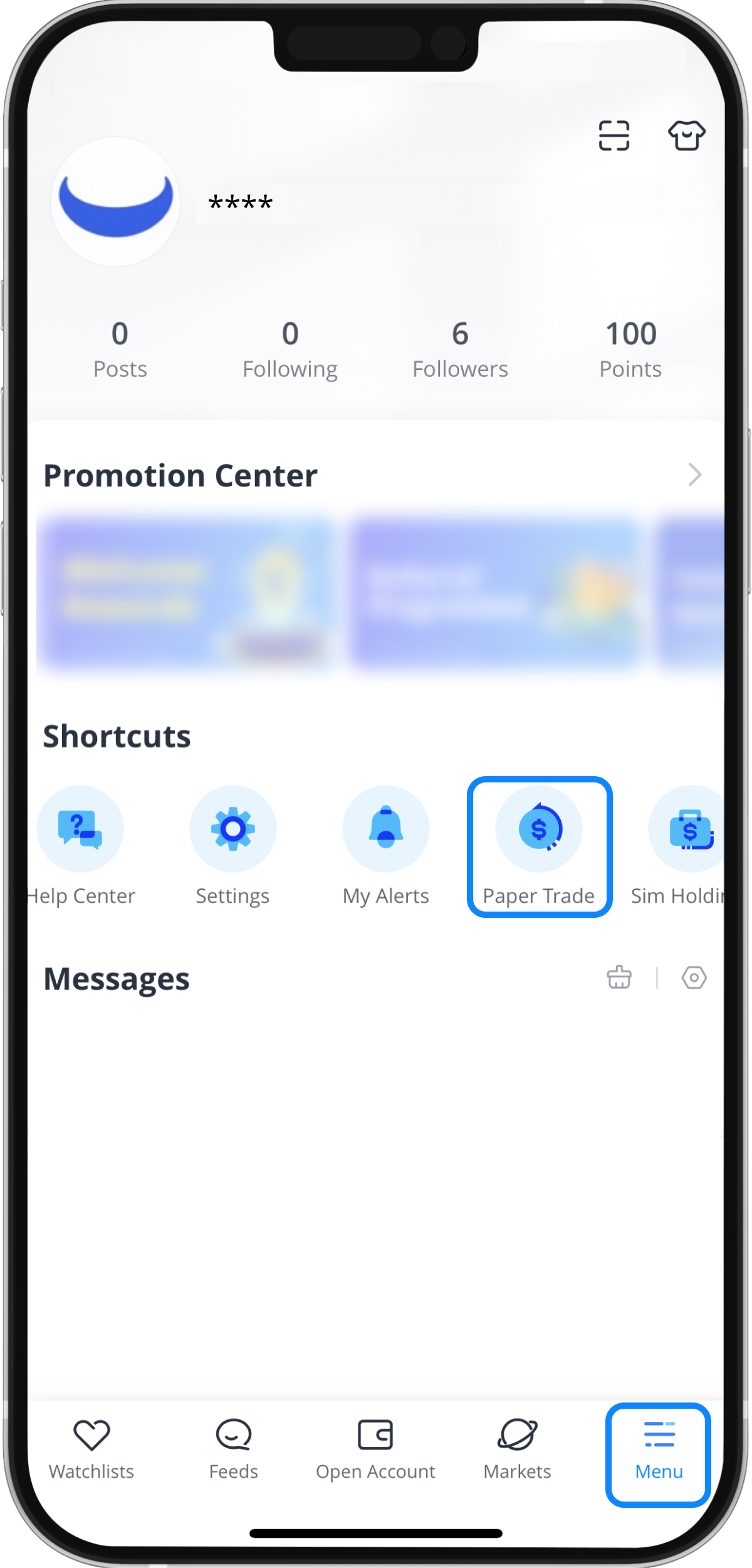
Step 1: Tap “Paper Trade” on the “Menu” page
Note: If you want to clear your paper trading account, you can tap "Reset" in the upper right corner of the page. Resetting your account will remove all information and previous activities.
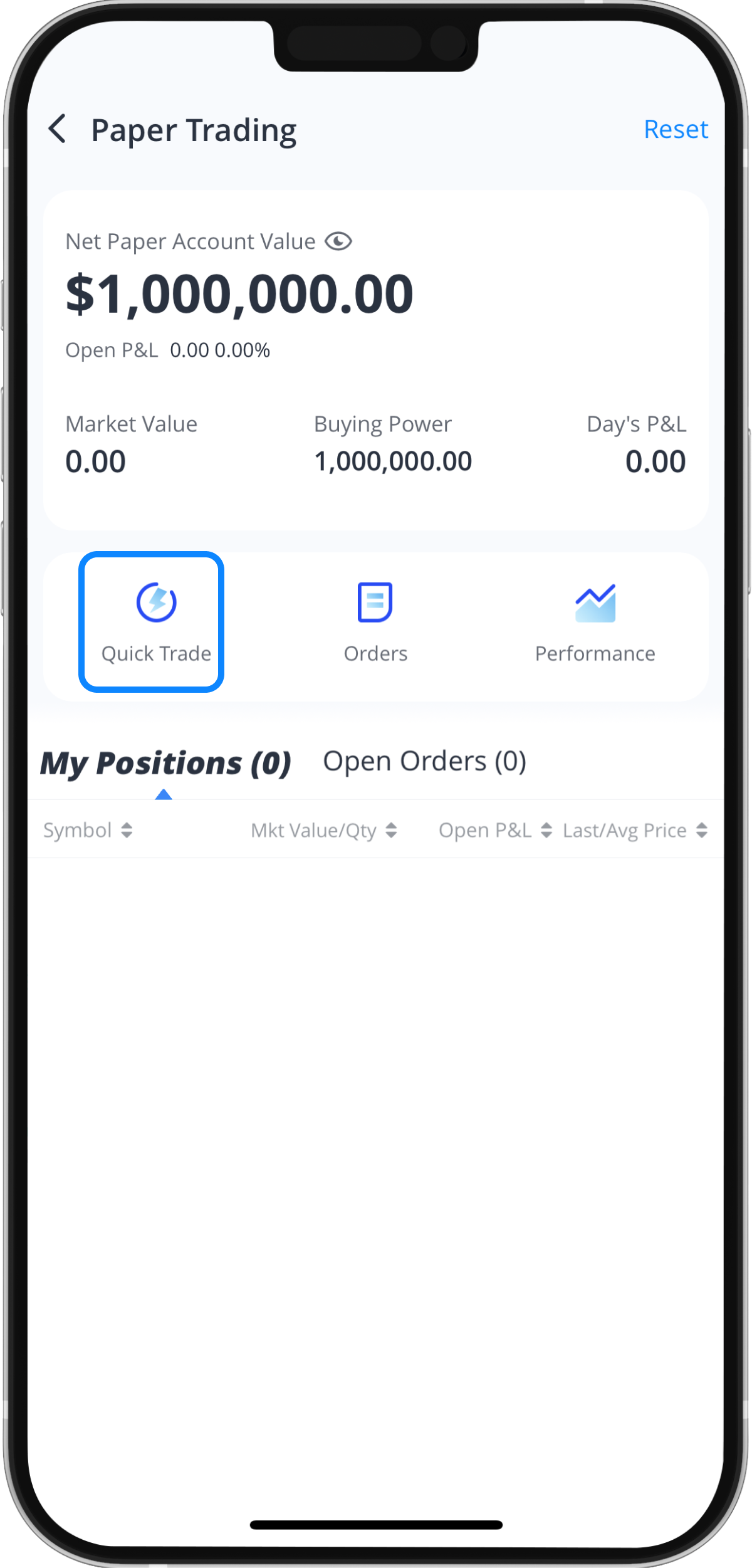
Step 2: Tap “Trade” to execute a paper trade
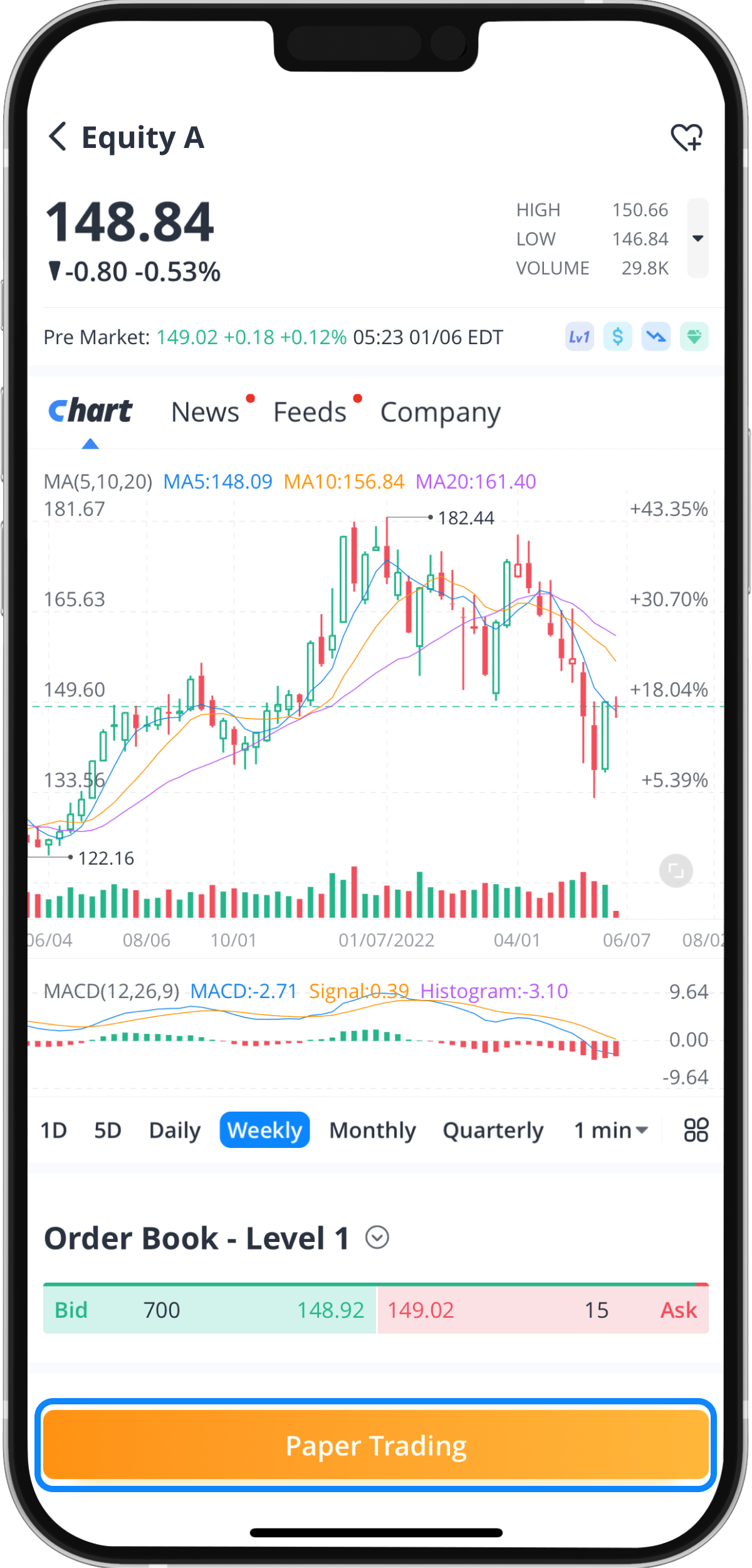
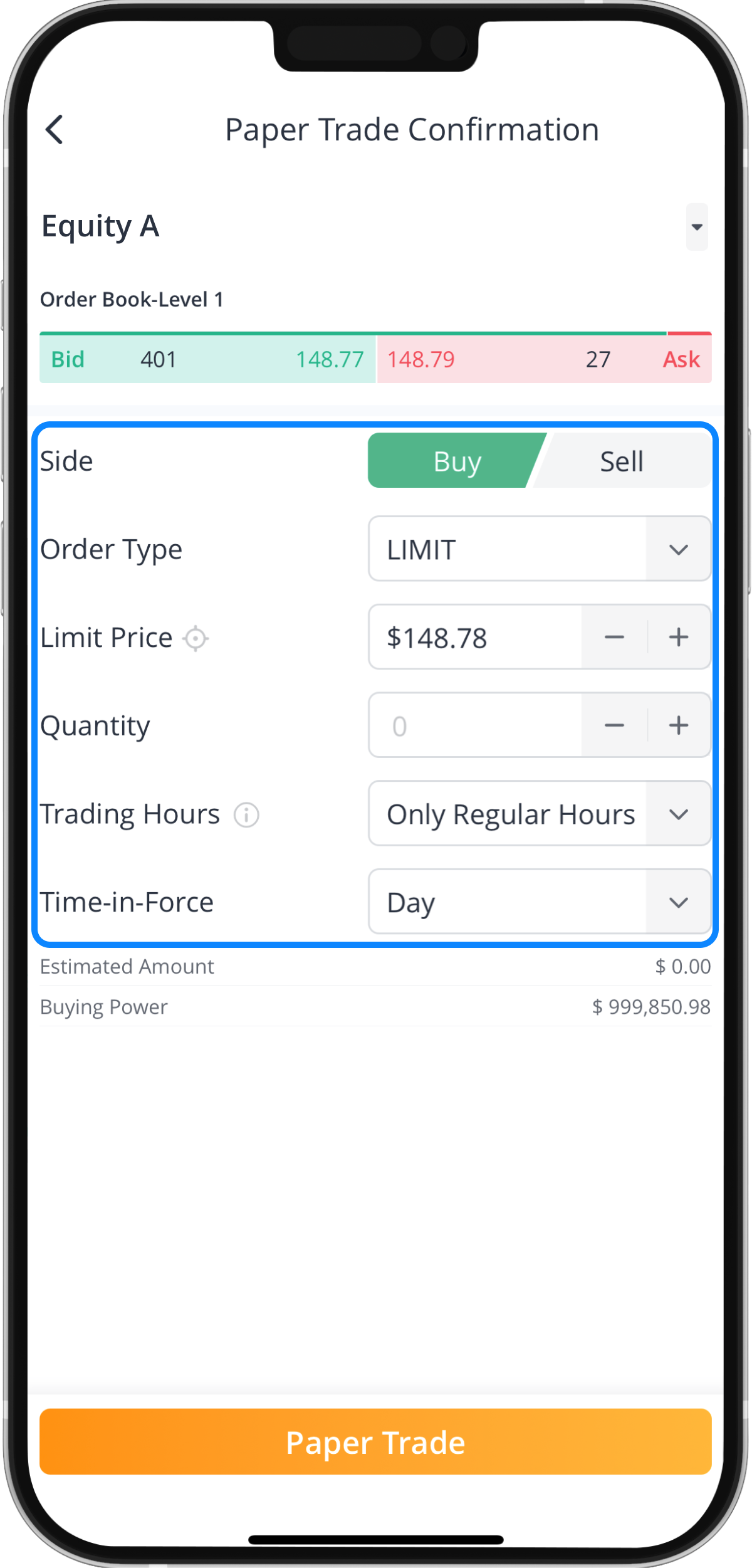
Step 3: Edit your paper trade order
You will be given the option to place either a “Buy” or “Sell” order for the security you wish to trade. You can also edit the quantity, limit price, time-in-force, and trading hours when making a paper trade.
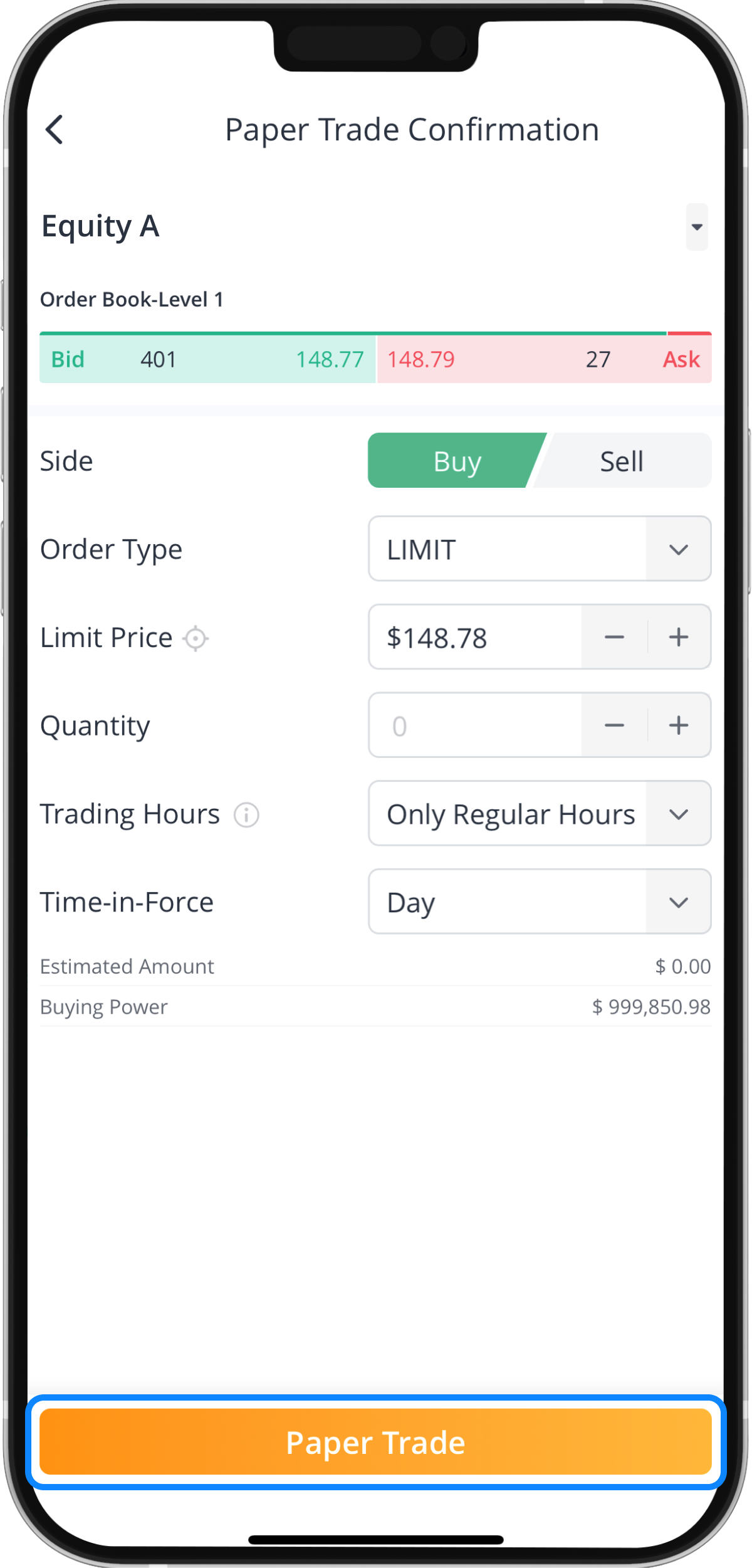
Step 4: Tap “Paper Trade” to submit your order
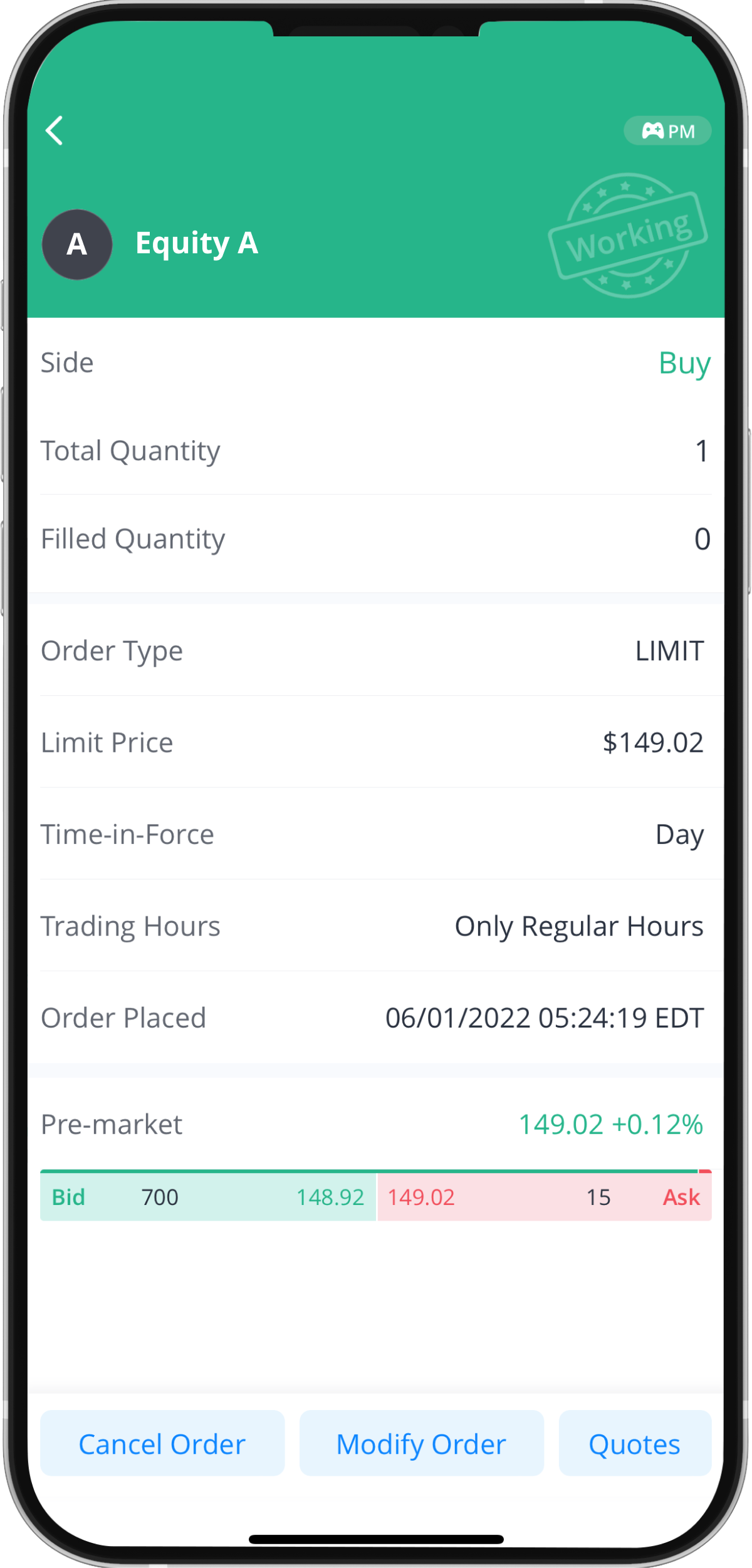
Order Summary
How to Modify Open Orders
Step 1: Tap “Open Orders”
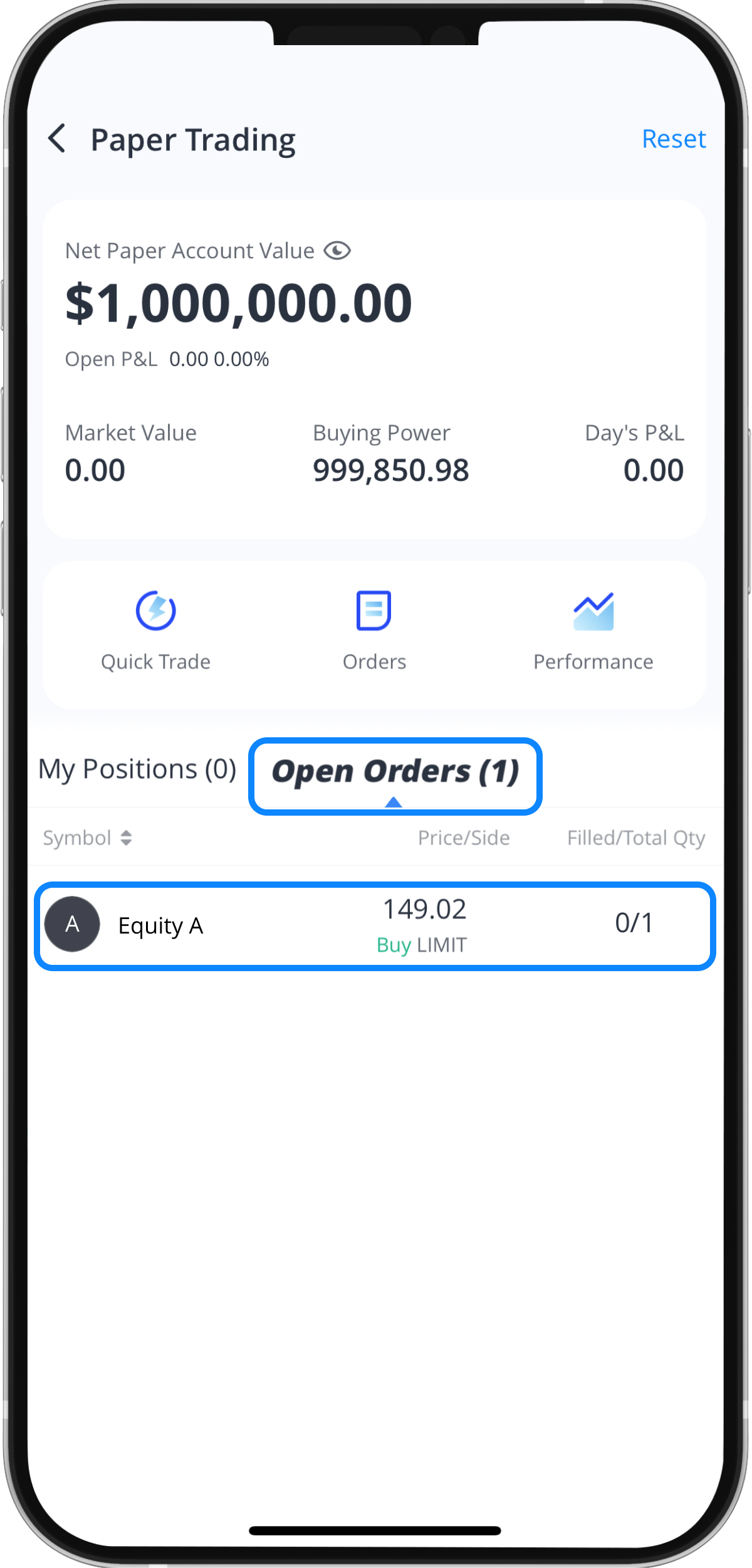
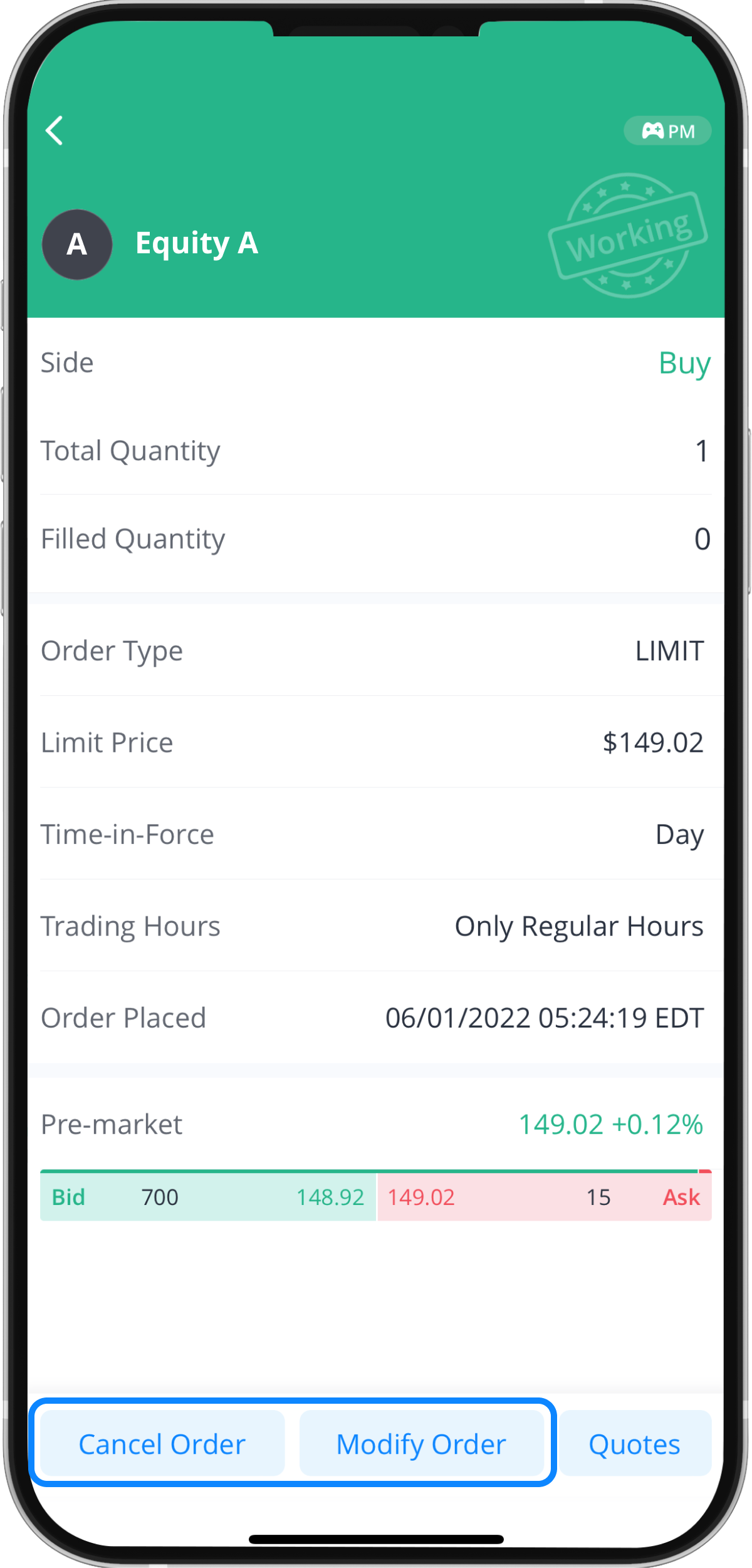
Step 2: Tap “Cancel Order” or “Modify Order”
How to Check Webull Account P/L Statement
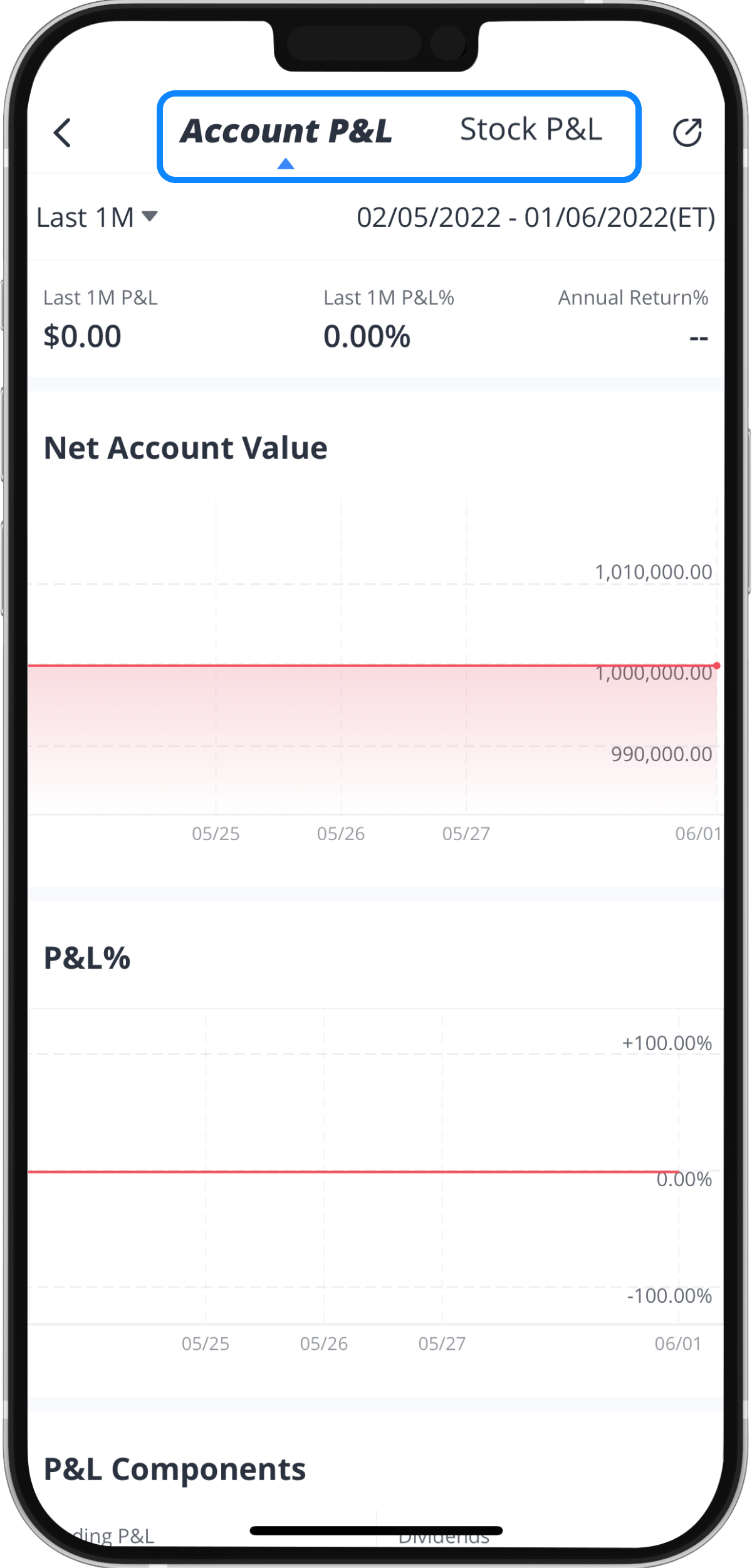
Step 1: Tap “Performance”
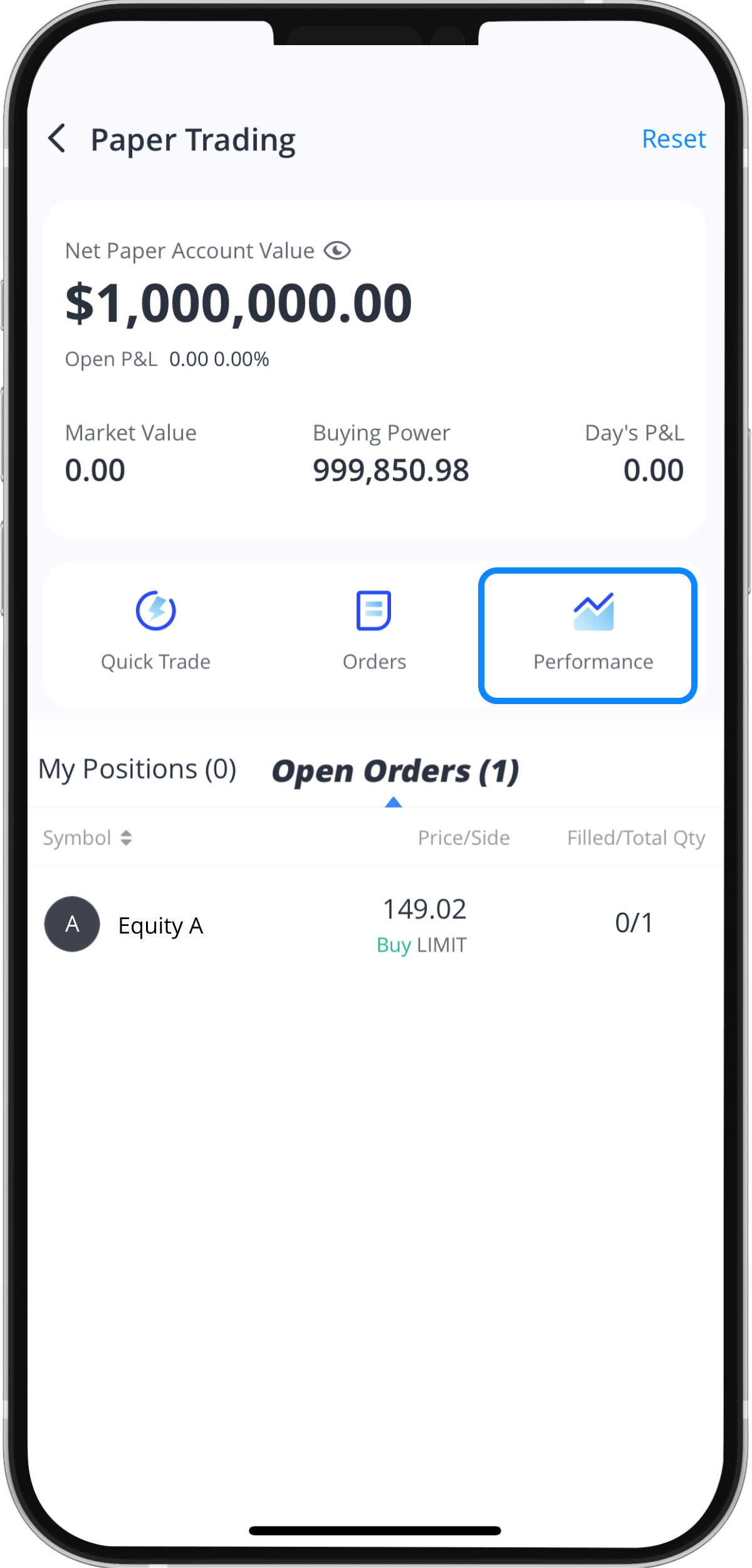
Step 2: Select “Account P&L” or “Stock P&L”
This feature will allow you to view how much profit or loss you have made or incurred from your paper trading under the “Net Account Value” section or your percentage change in value under the “P&L%” section.